
Paperless Unified Search
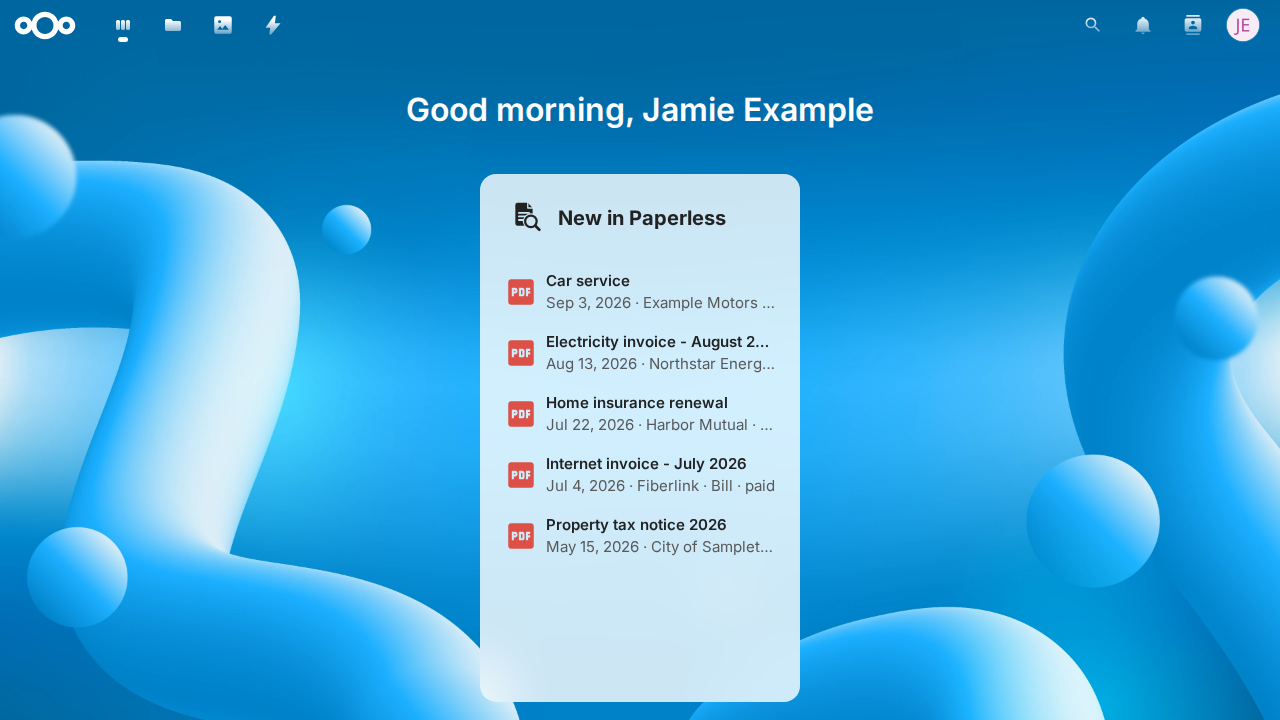
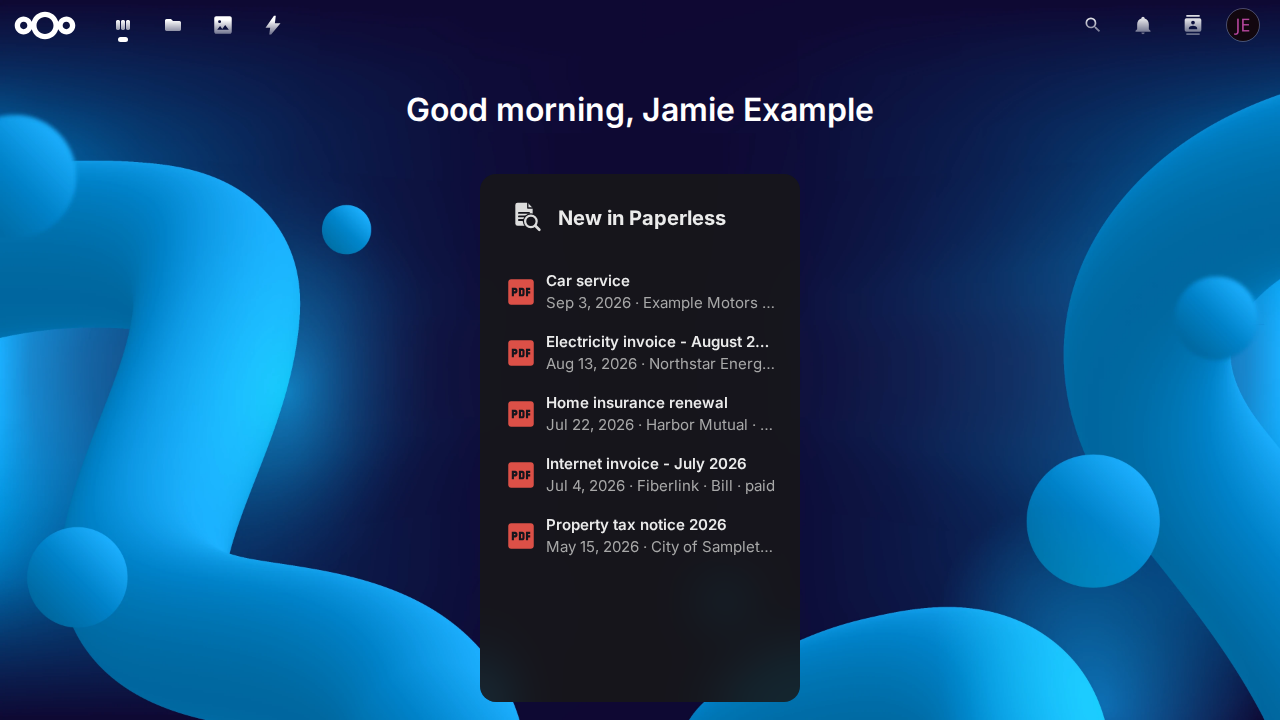
Find Paperless-ngx documents by the words inside them, right in Nextcloud's search.
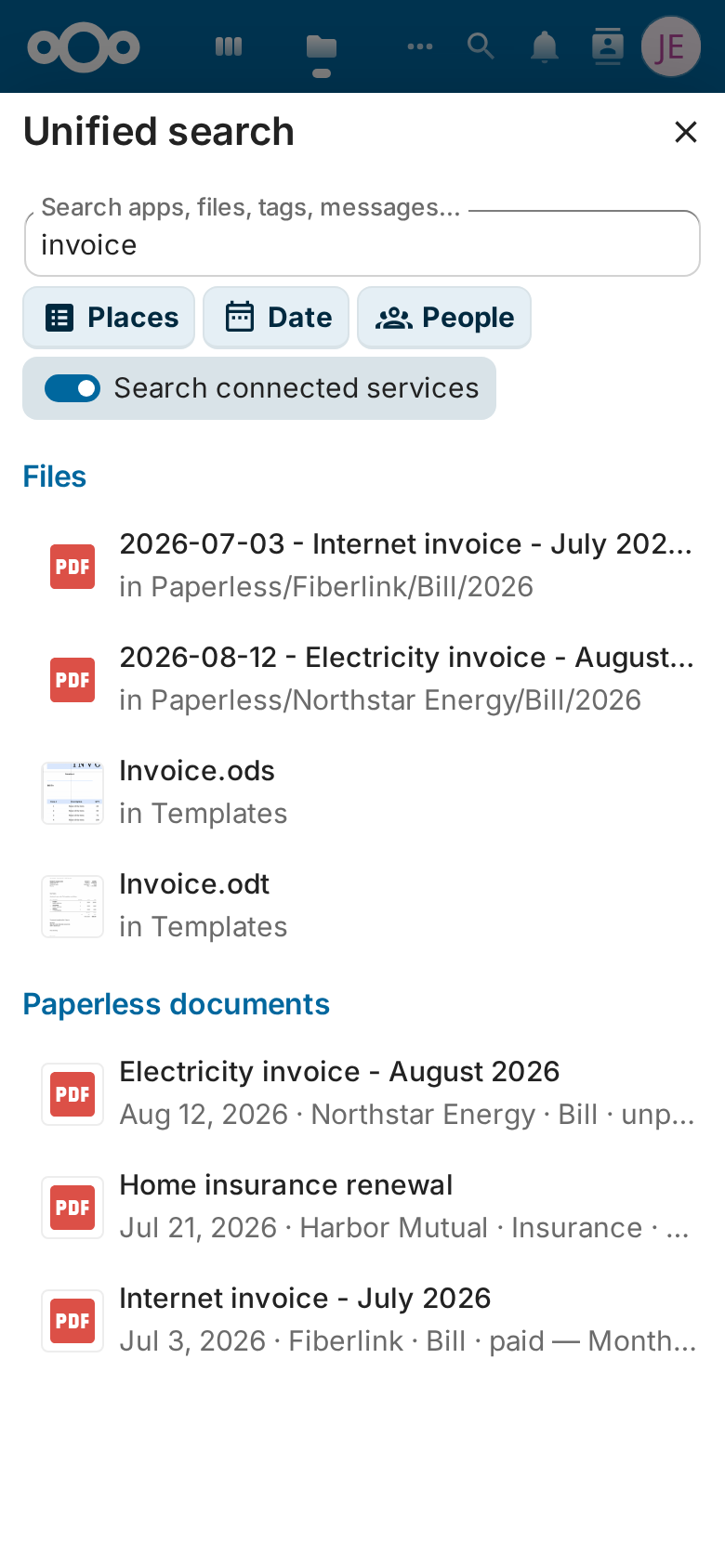
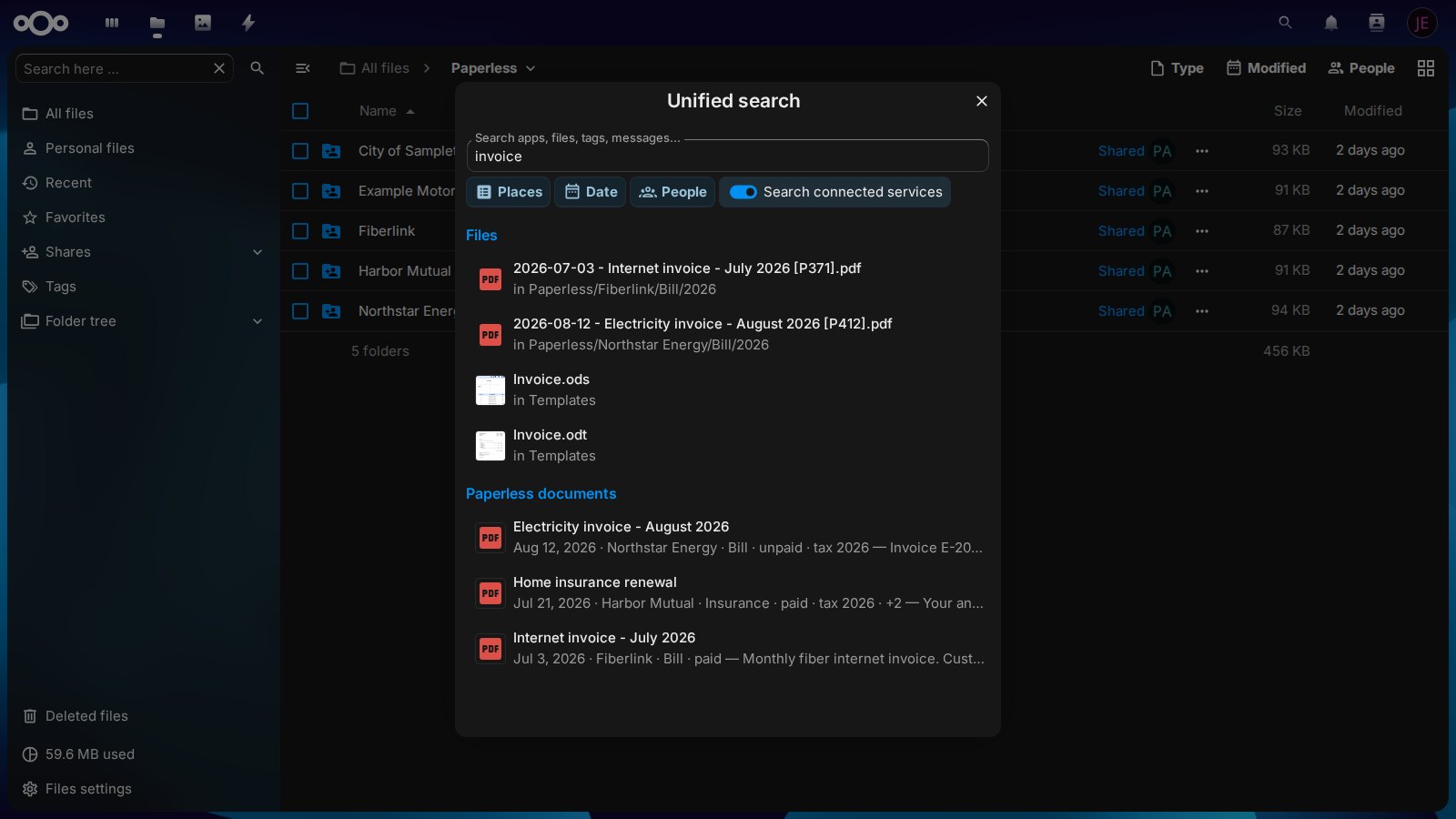
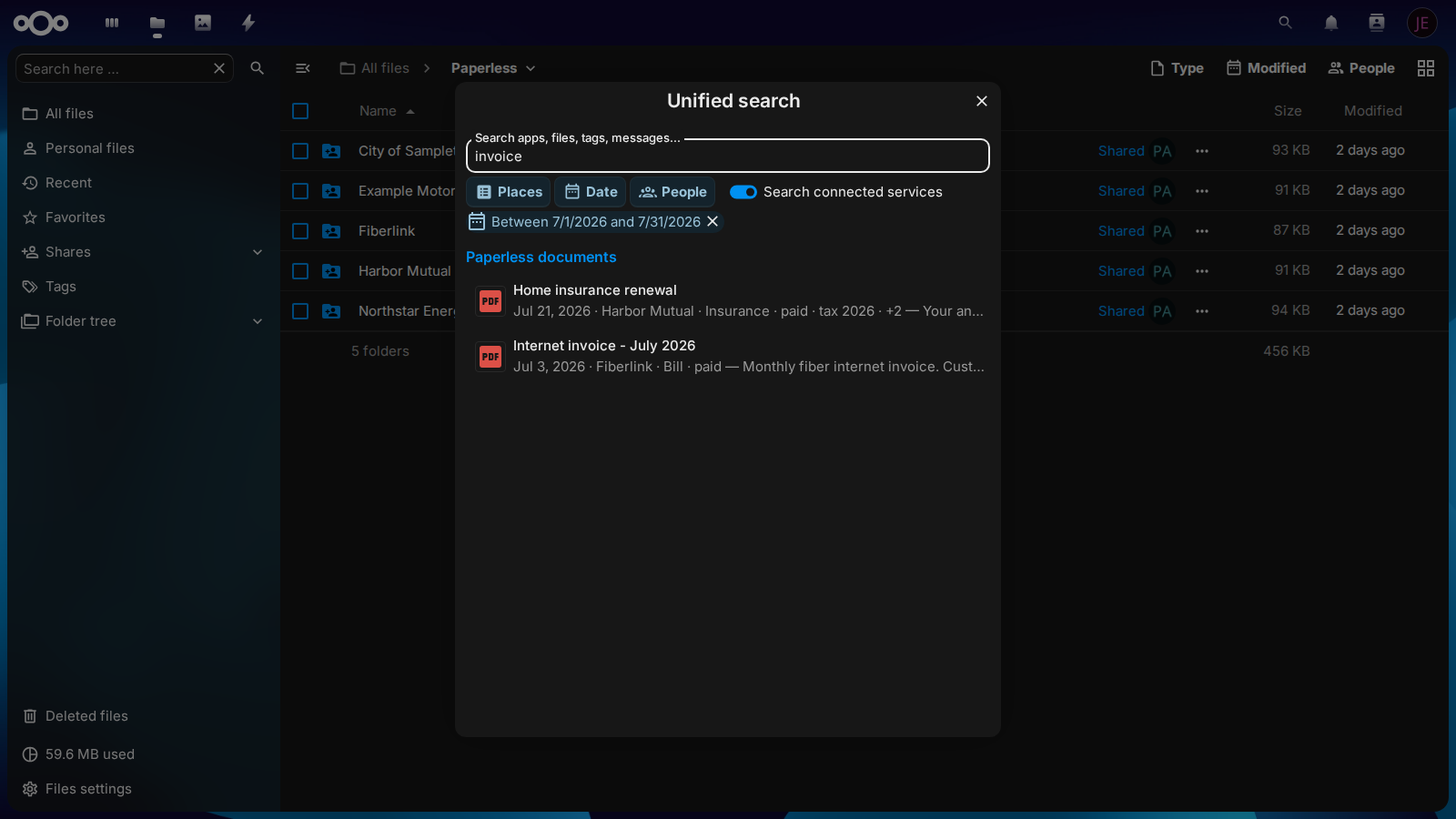
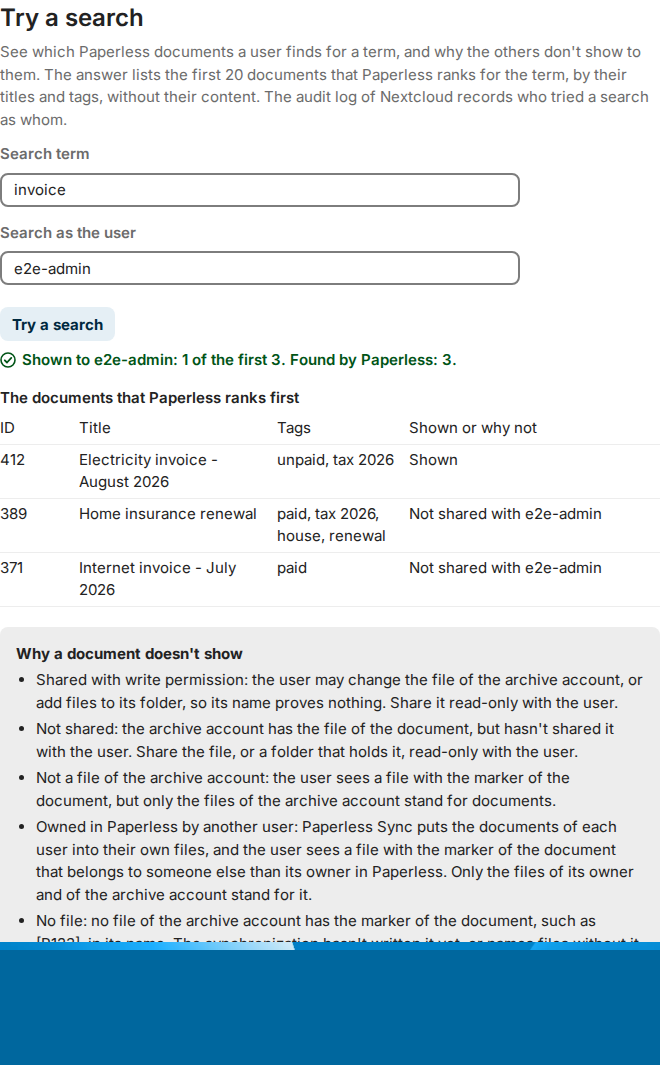
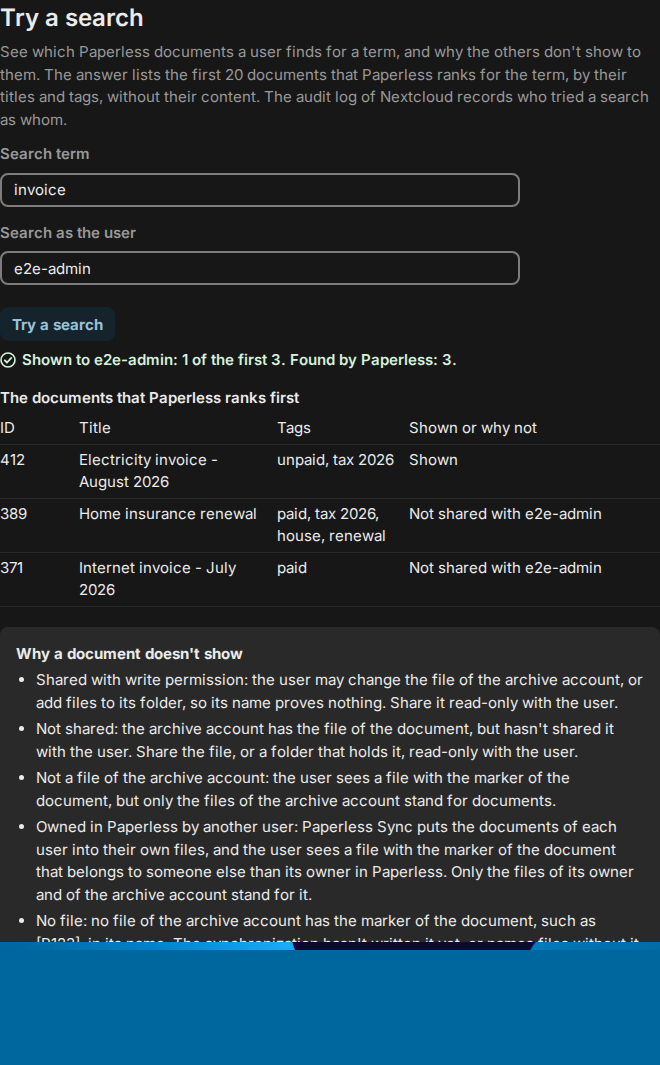
The search of files finds the two invoices by their names. Paperless also finds the home insurance renewal: its text says "invoice", its name doesn't.
A Nextcloud app that brings the OCR and full-text search of Paperless-ngx into Nextcloud's global search, without Elasticsearch, a second index or another container: Paperless answers, Nextcloud decides who sees the file. A result opens the matching synchronized file directly in Nextcloud's viewer.
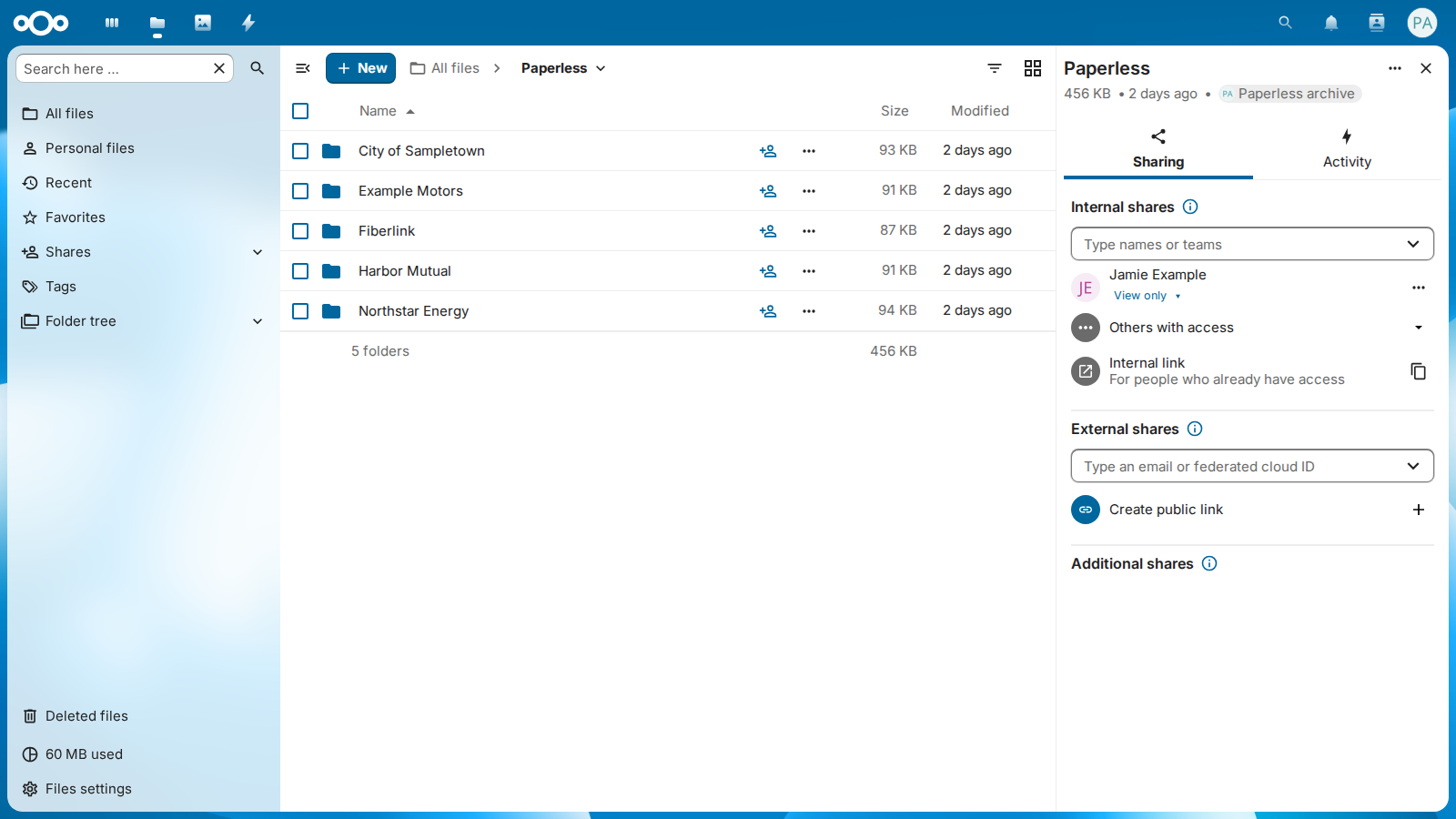
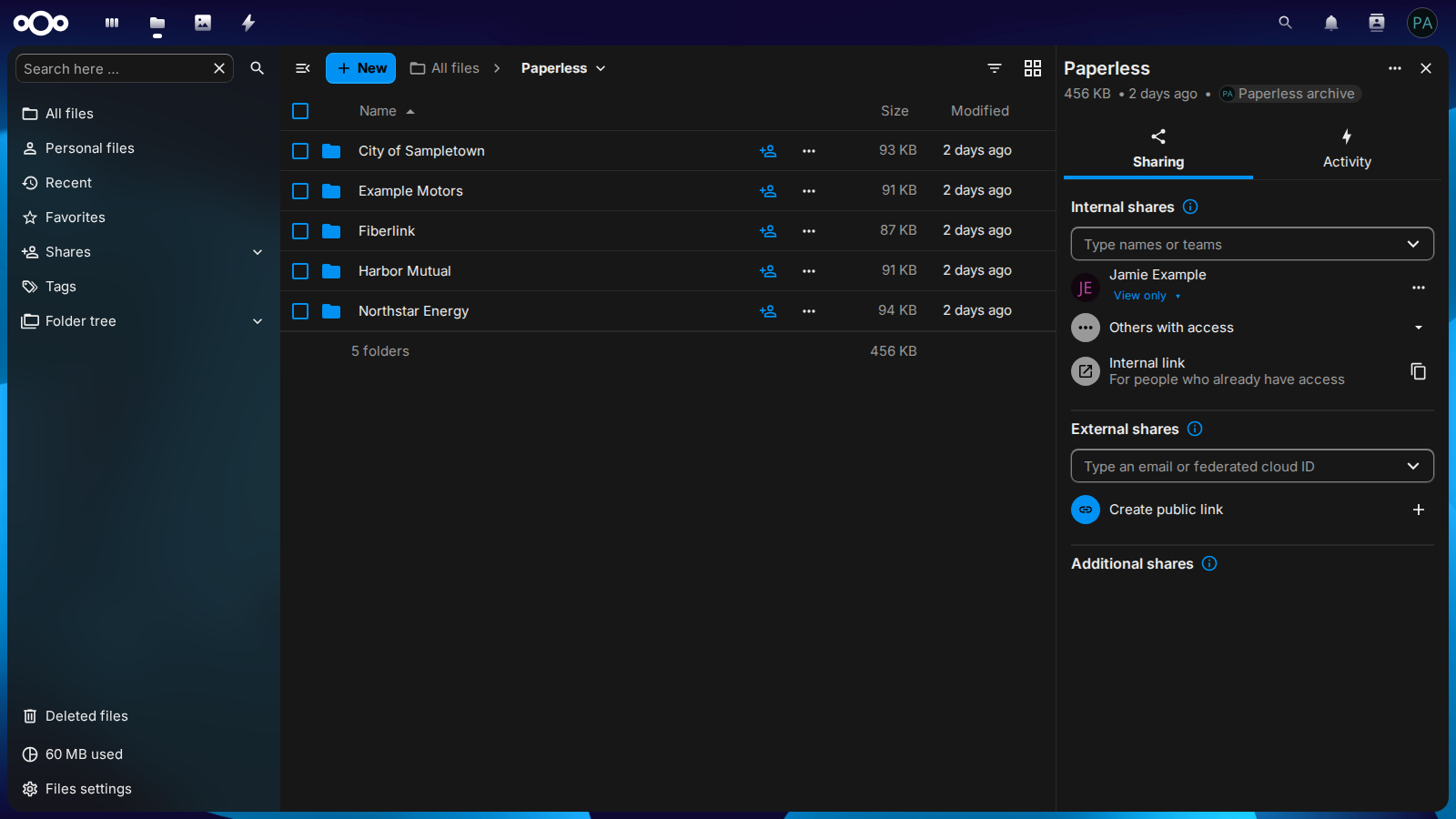
Two apps, one archive: Paperless Sync writes every document of Paperless-ngx as a file of one Nextcloud account, the archive account, with the marker [P<ID>] in its name. Paperless Unified Search asks Paperless for the documents that match a search and shows each one to whoever can open its file.
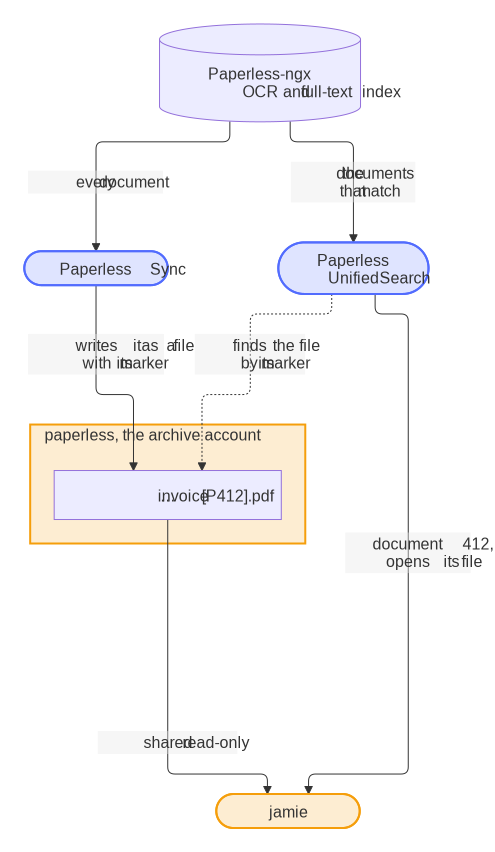
Paperless Sync is the companion, not a must: any synchronization that writes the files with their marker into the archive account works as well, Paperless-ngx's own file names included.
What it does
-
Paperless search in Nextcloud
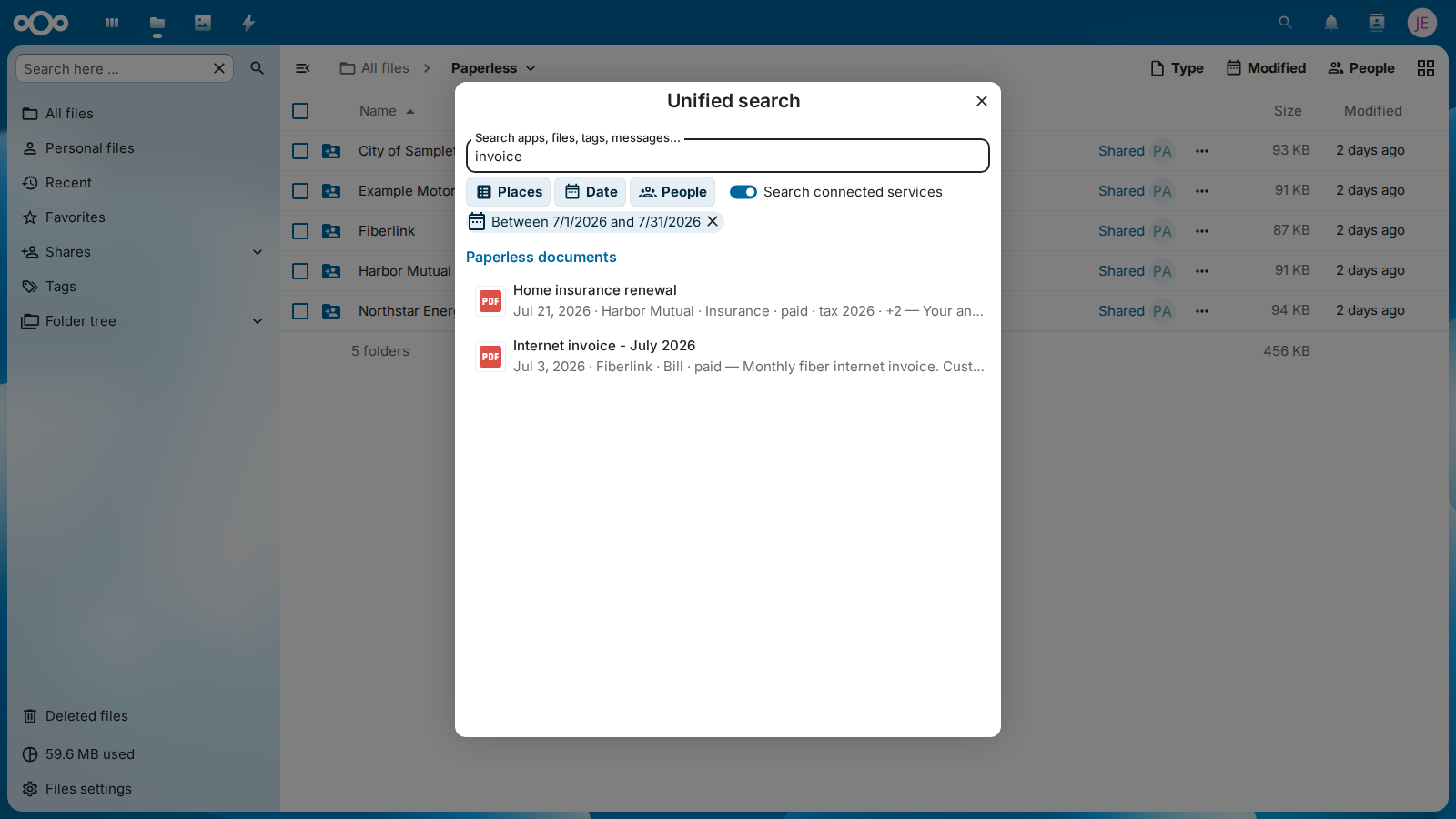
Results come from the native OCR and full-text index of Paperless-ngx and appear under Paperless documents in Nextcloud's global search.
-
Opens the file in Nextcloud
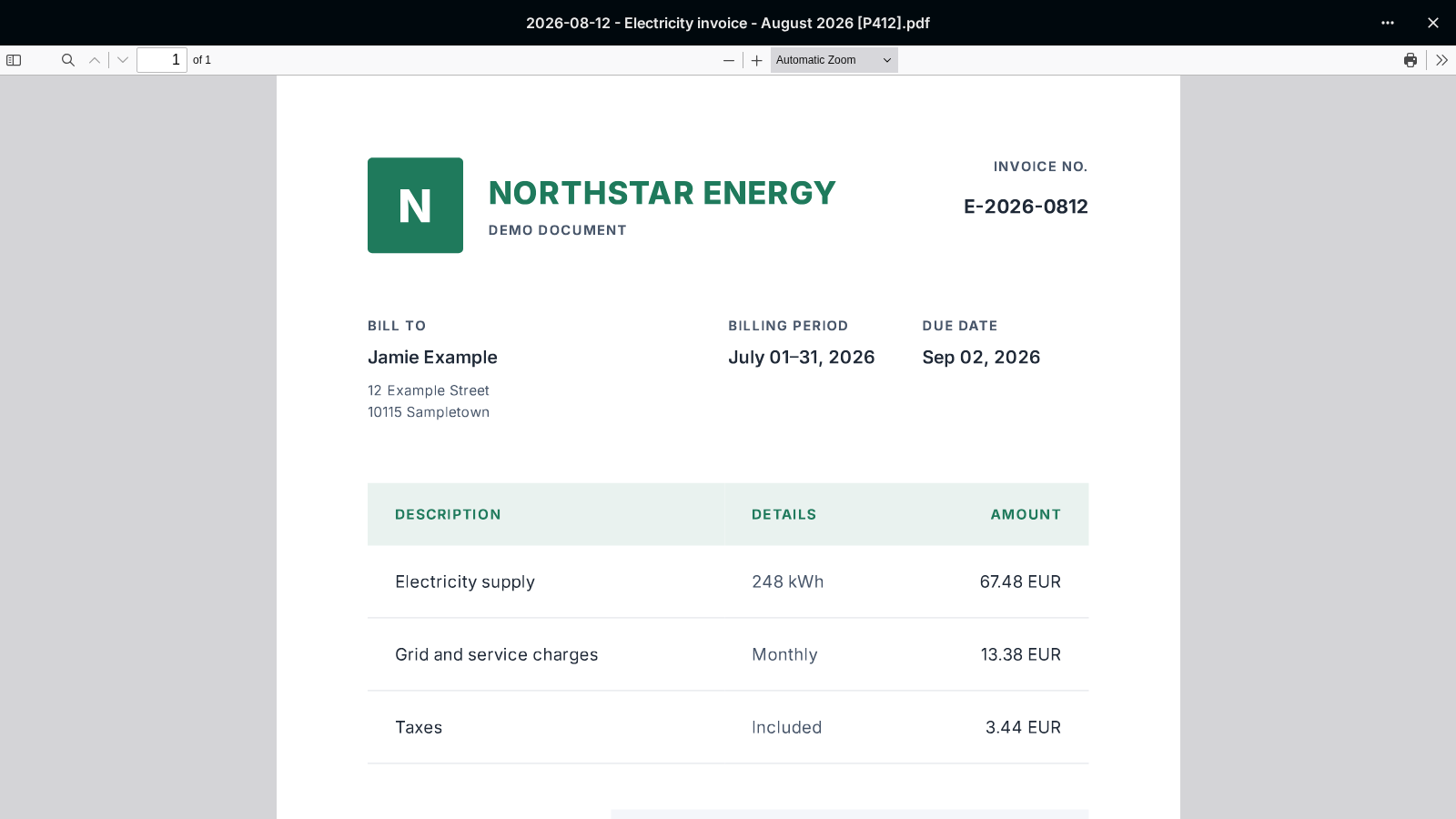
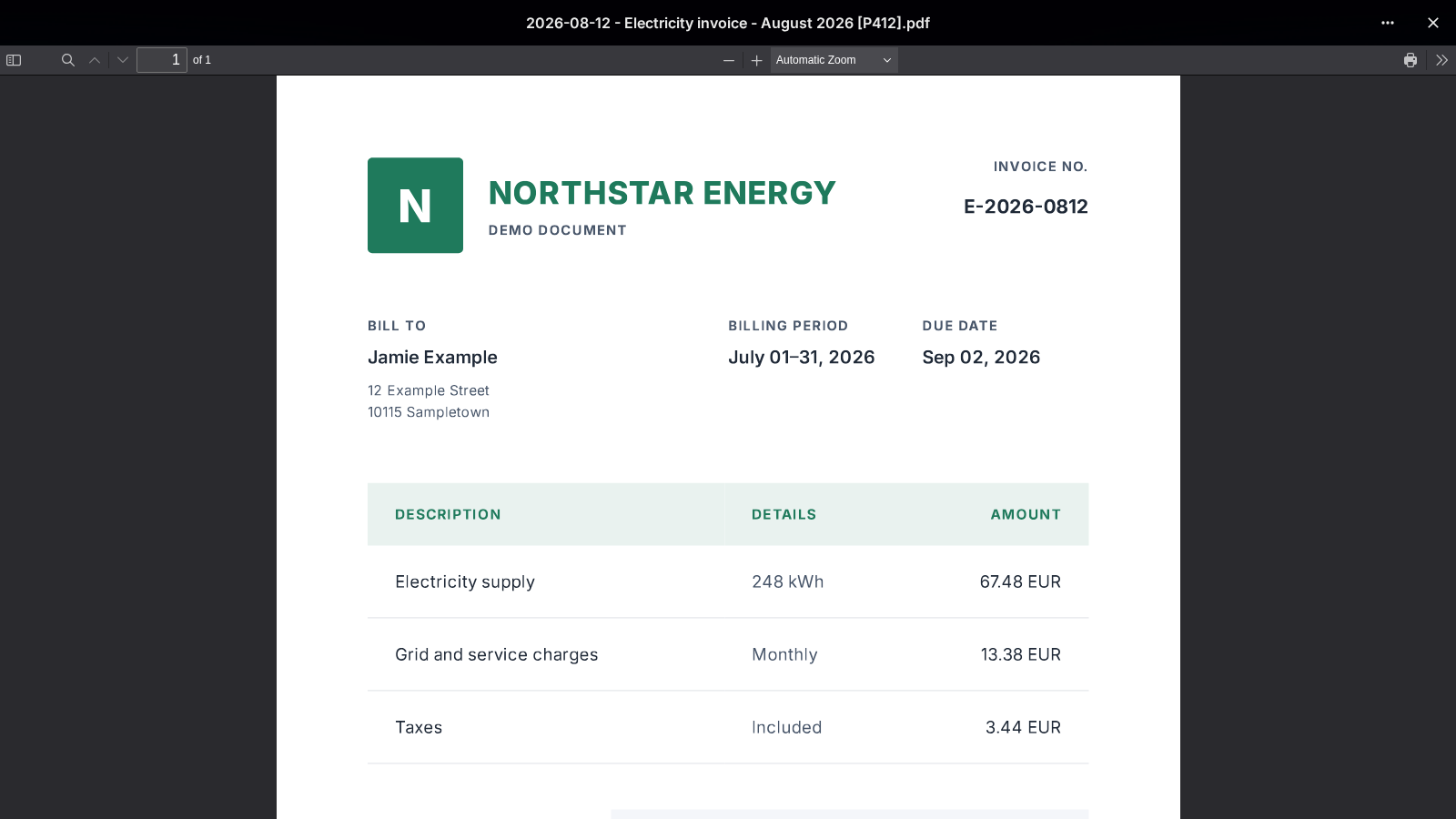
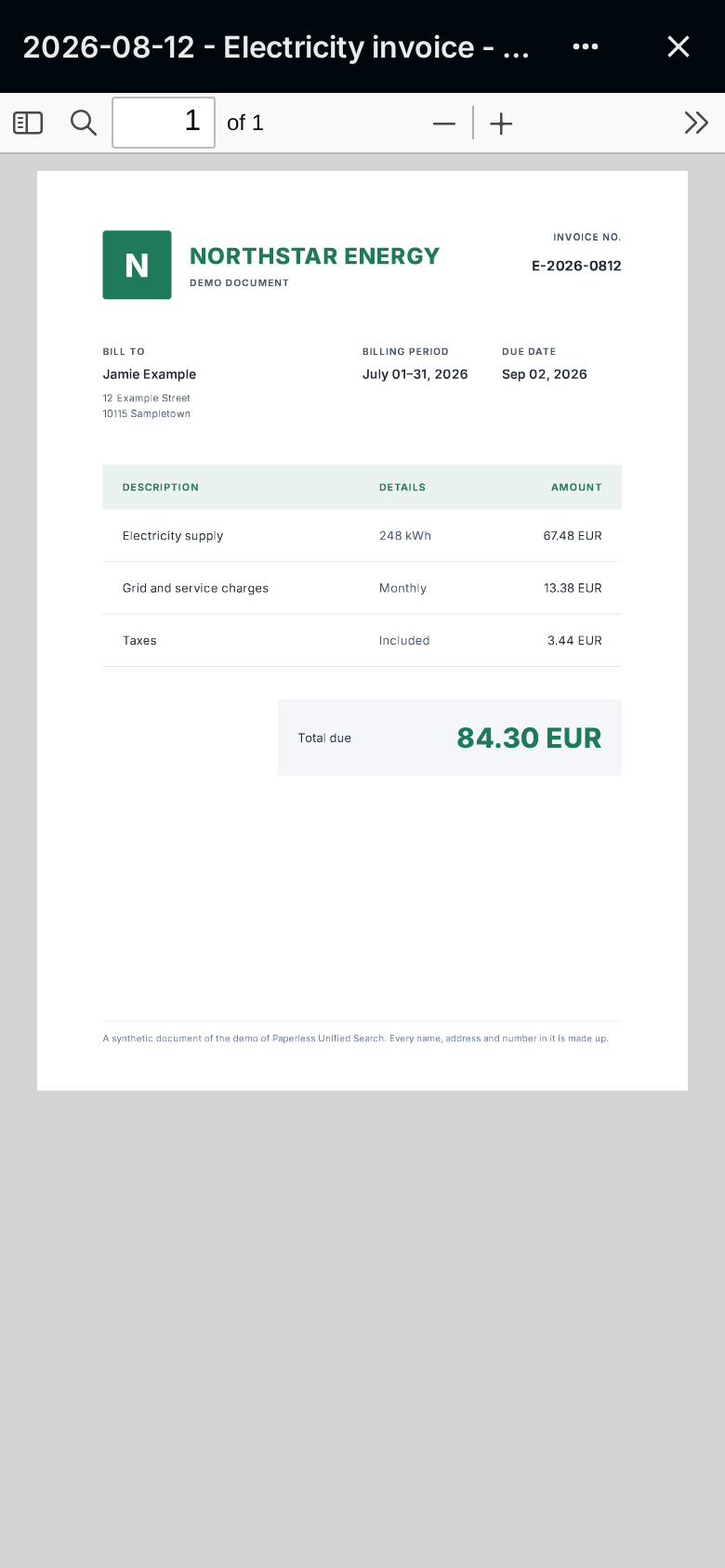
A result opens the synchronized file in Nextcloud, not in Paperless: in the viewer of the browser, and in the viewers of the official iOS and Android apps.
-
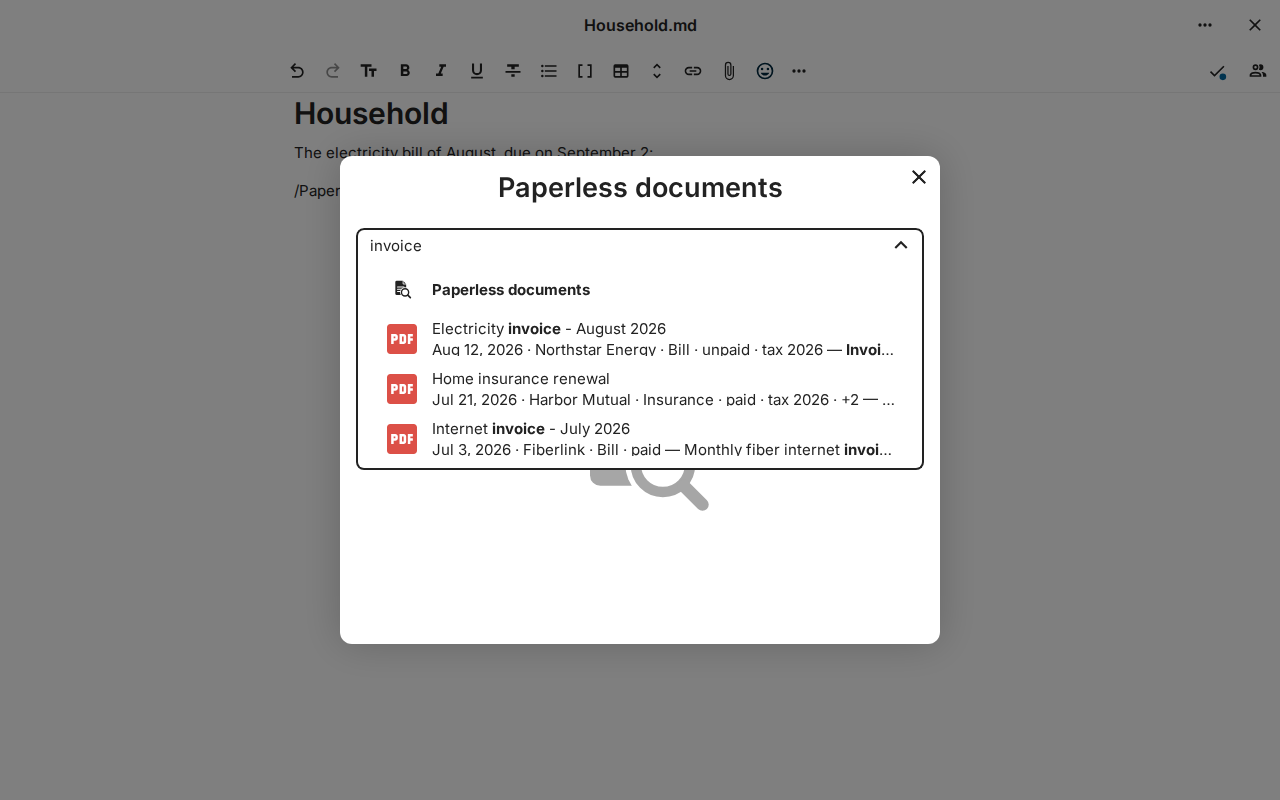
Links in Talk, Text, Deck and Mail
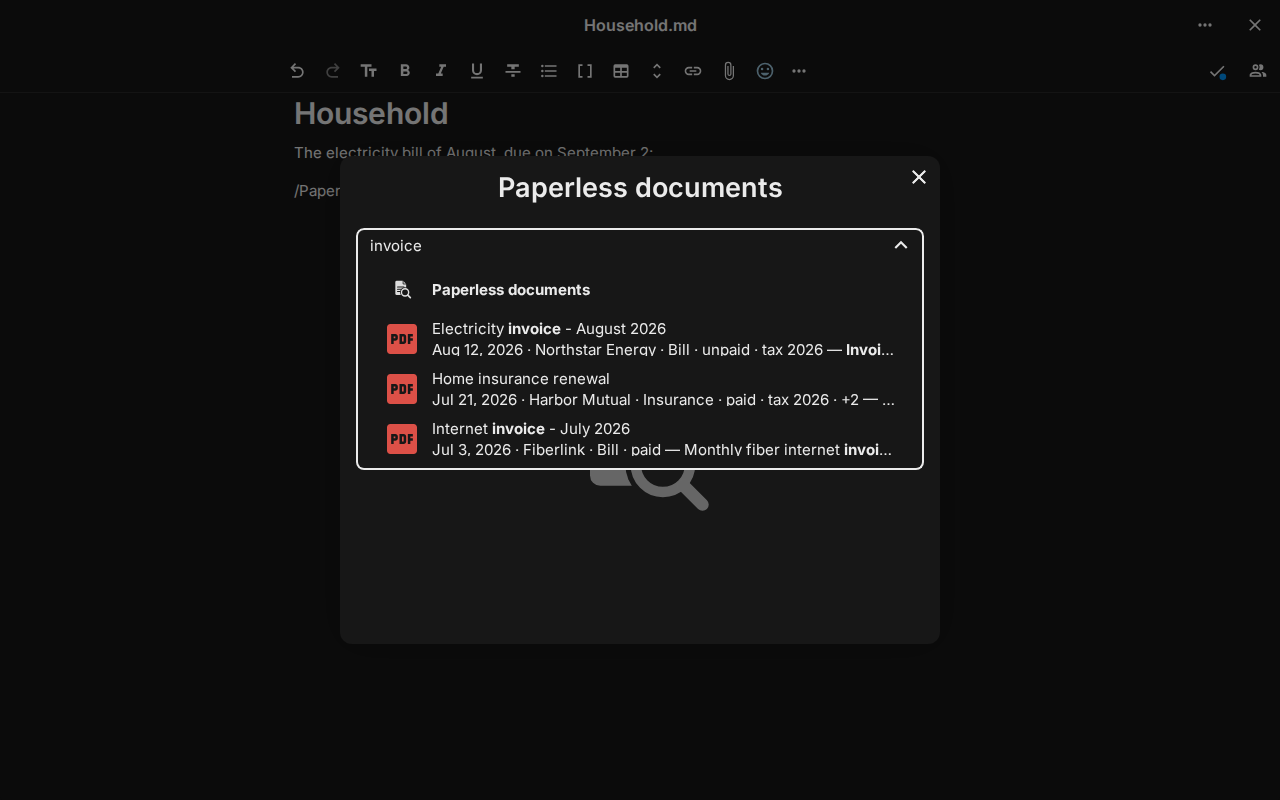
Nextcloud's smart picker finds Paperless documents wherever you write and inserts the link to the file, whose preview only readers who can open the file see.
-
Only files you may open
A result appears only if the searching user can open the matching file of the archive account: the archive account itself, or a user it shared the file with.
-
Stable document markers
Documents are matched to files by the marker
[P<ID>]in the file name, such as[P123], which Paperless Sync writes. Documents without such a file stay out of the search. -
Search terms under control
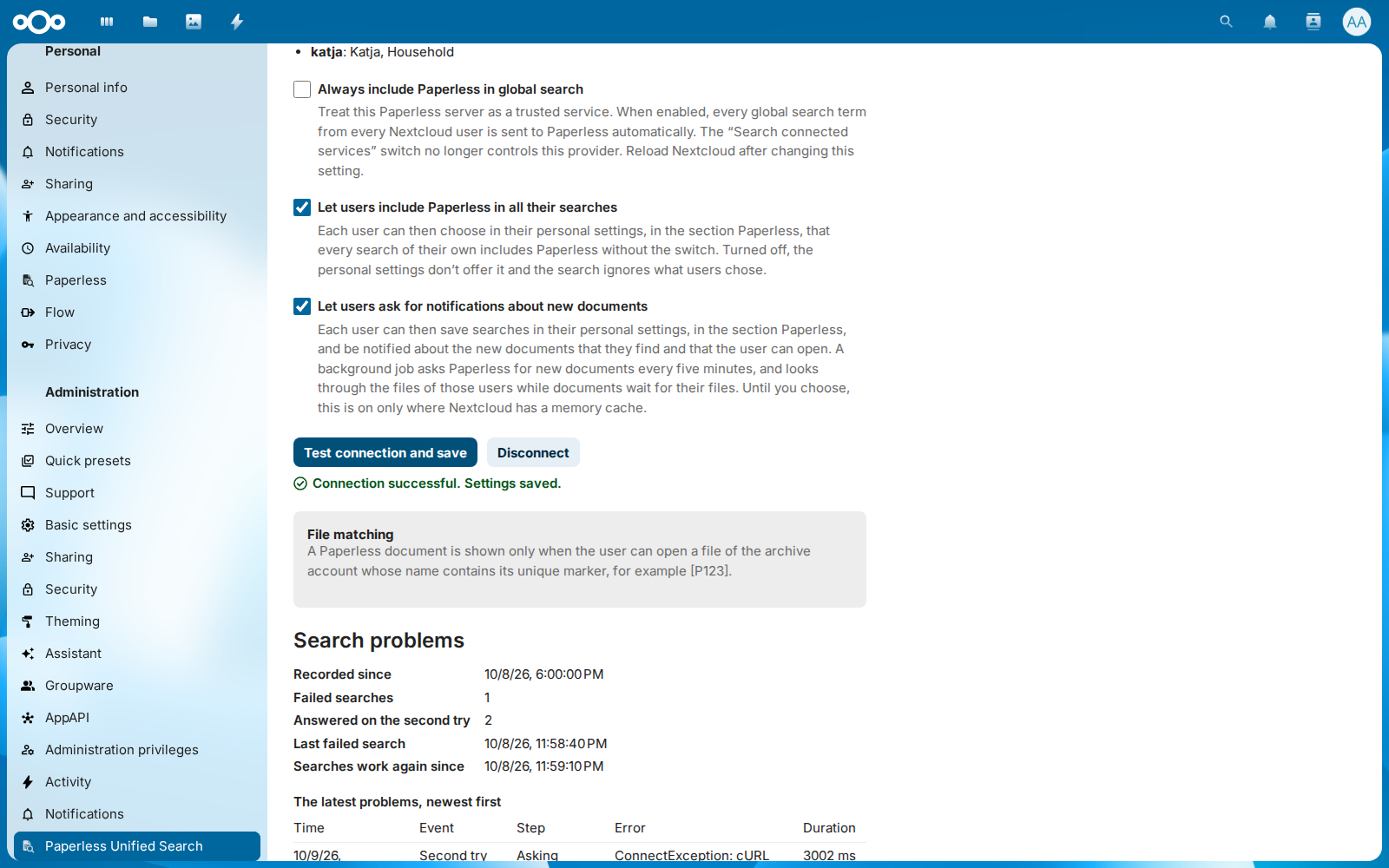
By default, search terms reach Paperless only when the user switches on Search connected services, picks Paperless documents in the smart picker or asks the search API for Paperless documents. Administrators can trust their Paperless server to include it in every search.
-
Set up and explained by occ
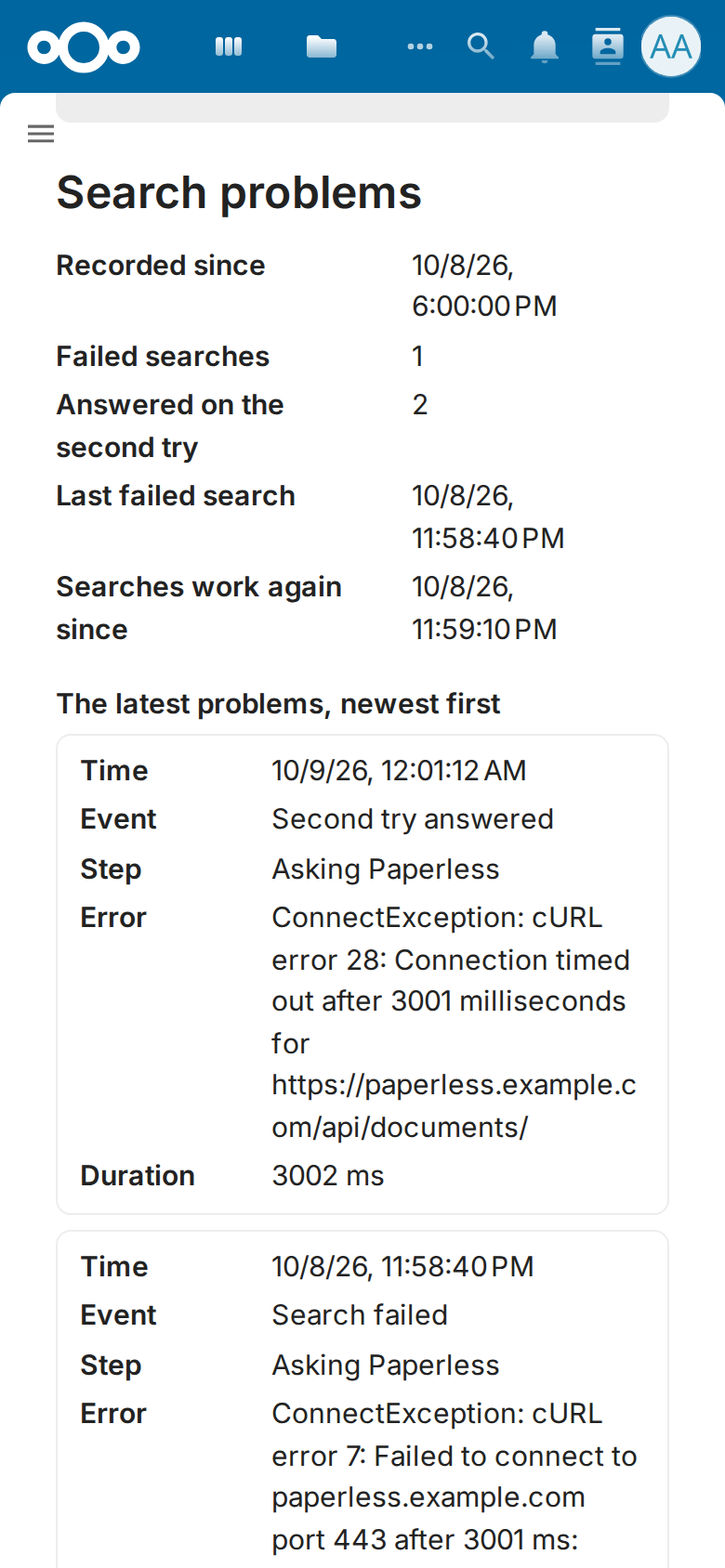
occsets the app up for Ansible and Docker, tests it for monitoring, and says why a user doesn't see a document; the overview of the administration settings warns when the search can't show any. How -
The token stays on the server
The Paperless API token is stored only in Nextcloud's server-side credentials manager and is never returned to browser JavaScript or rendered into HTML.
How it compares
The table sets it beside the other ways to find Paperless documents from Nextcloud, as of October 2026. Every way but the web UI of Paperless needs the documents as files in Nextcloud, such as those of Paperless Sync.
| Searches the OCR text | Nextcloud's shares decide who sees a result | Opens in Nextcloud's viewer and mobile apps | Extra infrastructure | Keeps a second index | |
|---|---|---|---|---|---|
| Paperless Unified Search | Yes, in the index of Paperless | Yes | Yes | None | No |
| Full text search with Elasticsearch | Only in files with a text layer | Yes | Yes | An Elasticsearch server | Yes |
| Workflow OCR | No search of its own: it adds a text layer for another search | — | — | OCRmyPDF, or its backend container | No, but the search it feeds does |
| Paperless integration | No search: it sends files to Paperless | — | — | None | No |
| Context Chat | Only in files with a text layer, as answers to questions | Yes | Its answers link to the files | AppAPI, its backend container and a language model | Yes, of vectors |
| Findling | Yes, with an OCR of its own | Yes | Yes | AppAPI and its backend container | Yes, of words and of vectors |
| The web UI of Paperless-ngx | Yes | No: accounts and permissions of Paperless | No: documents open in Paperless | None | No |
Screenshots
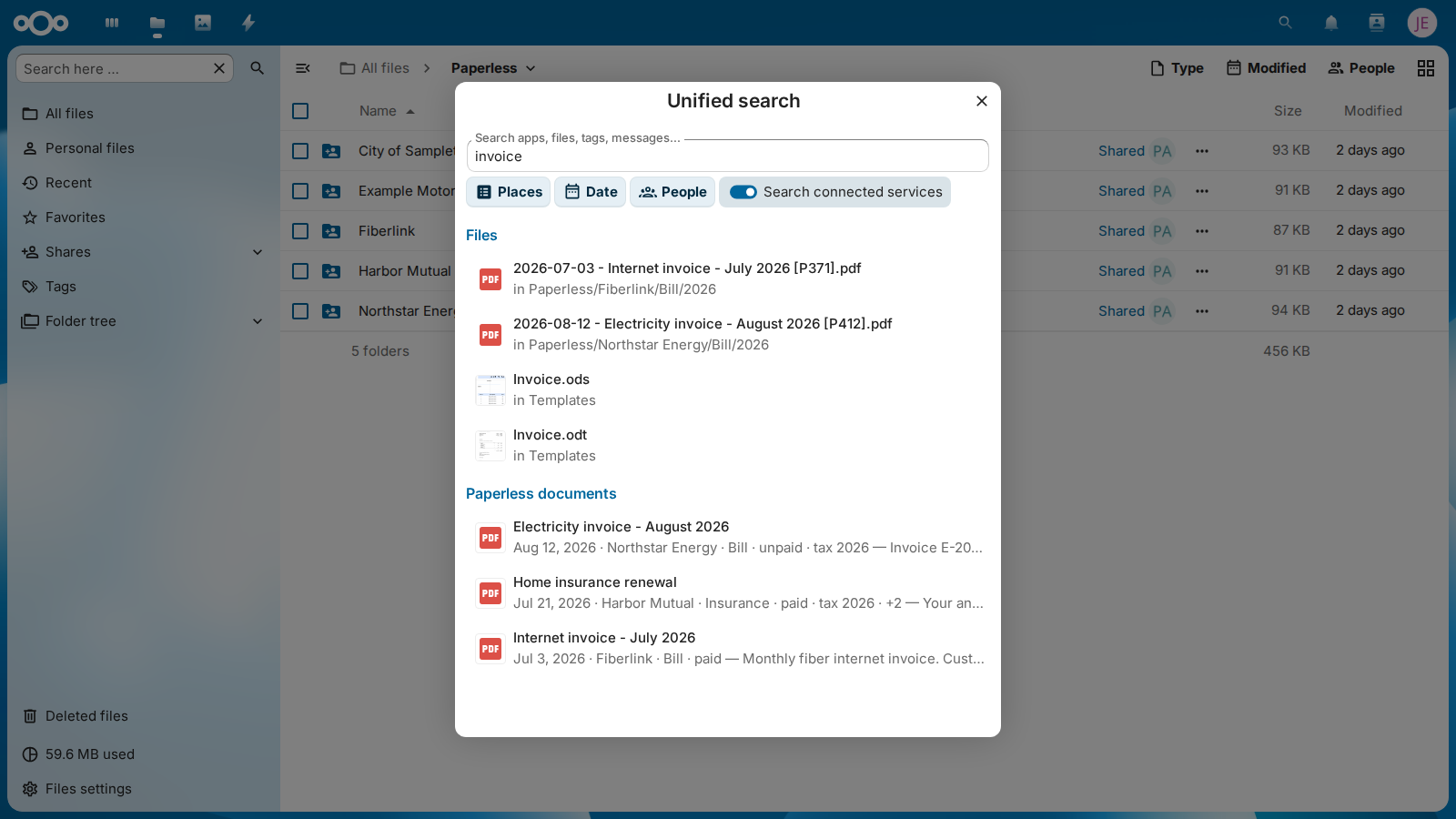
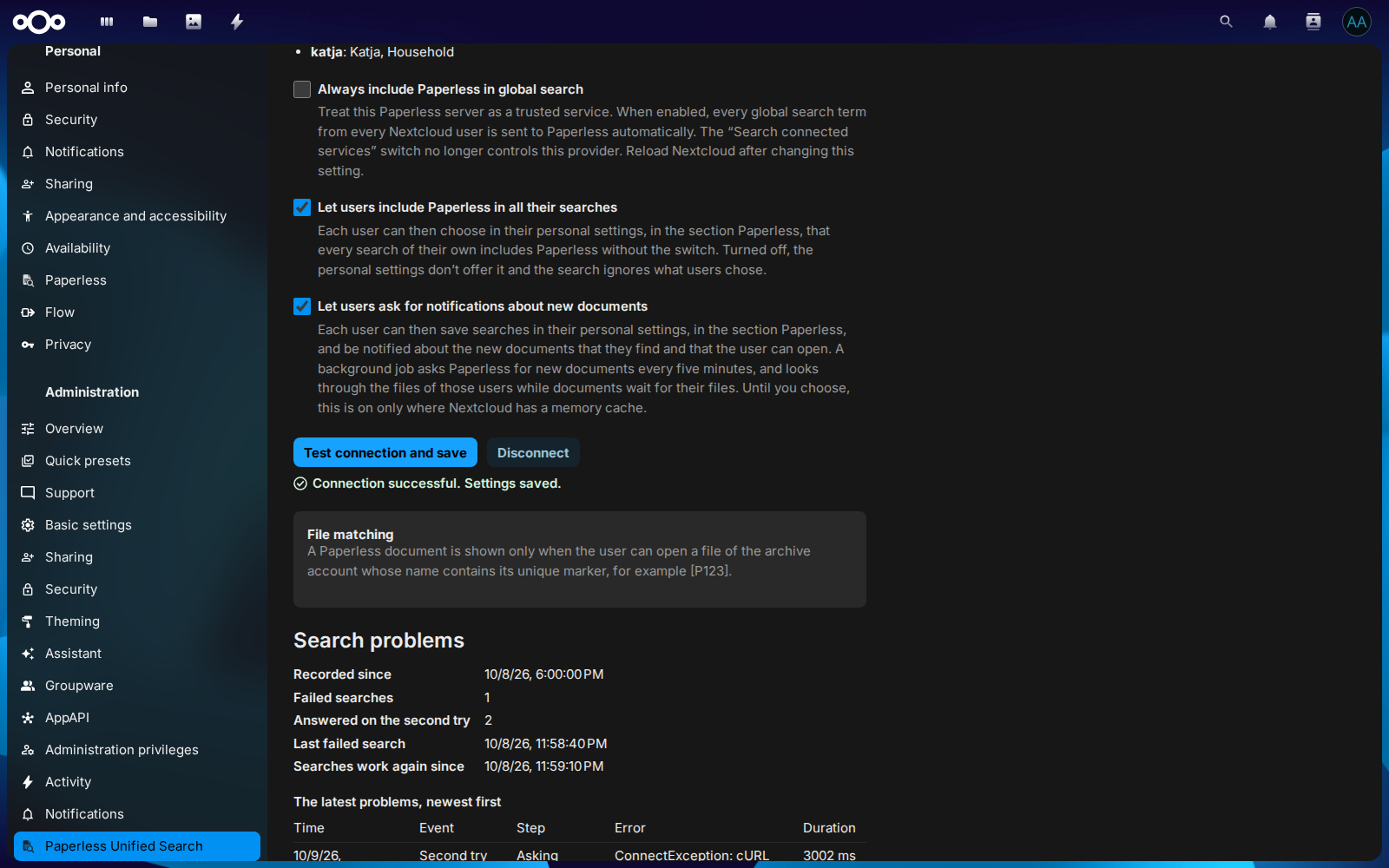
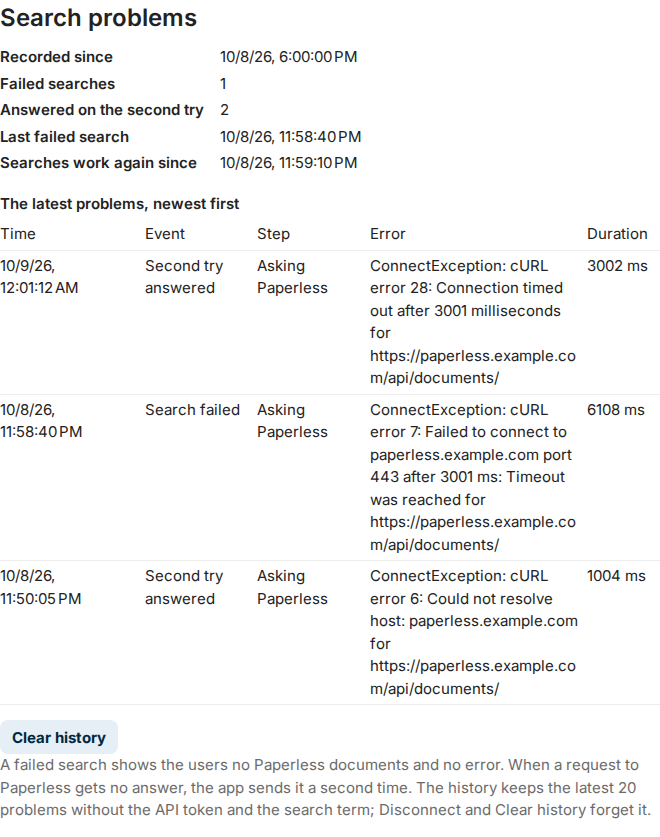
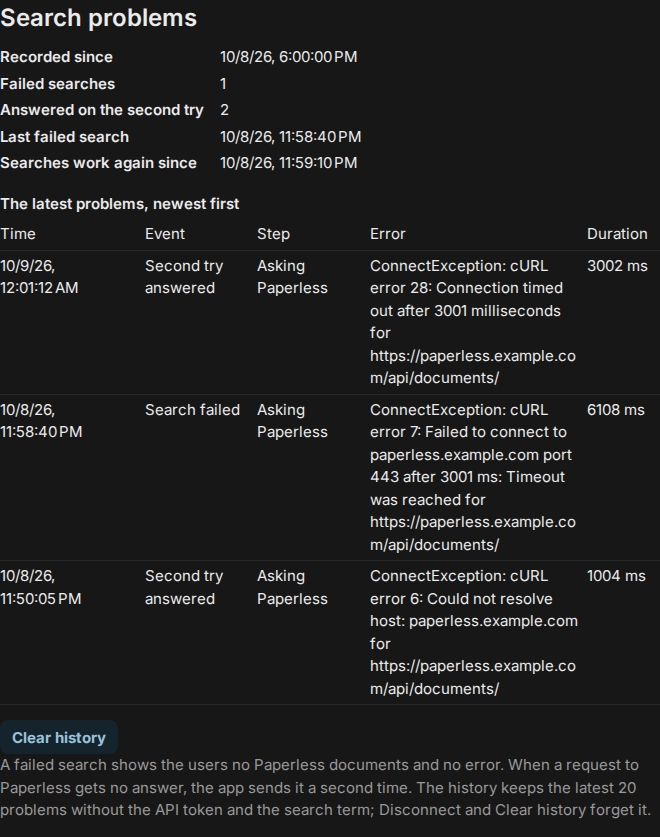
Each picture follows the light or dark theme of this website. Select one to enlarge it. A script takes them from a demo of the app, and a bot takes them again whenever a change of the app changes what they show, so they show the current version.
Quick start
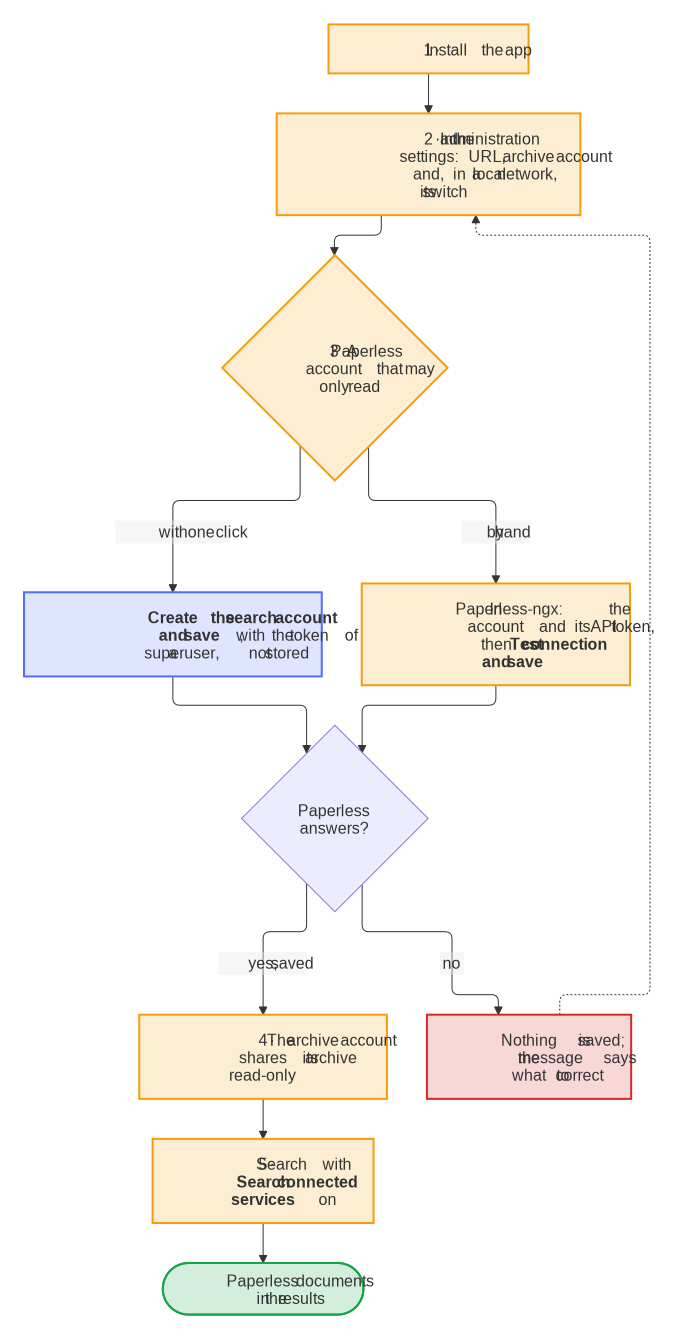
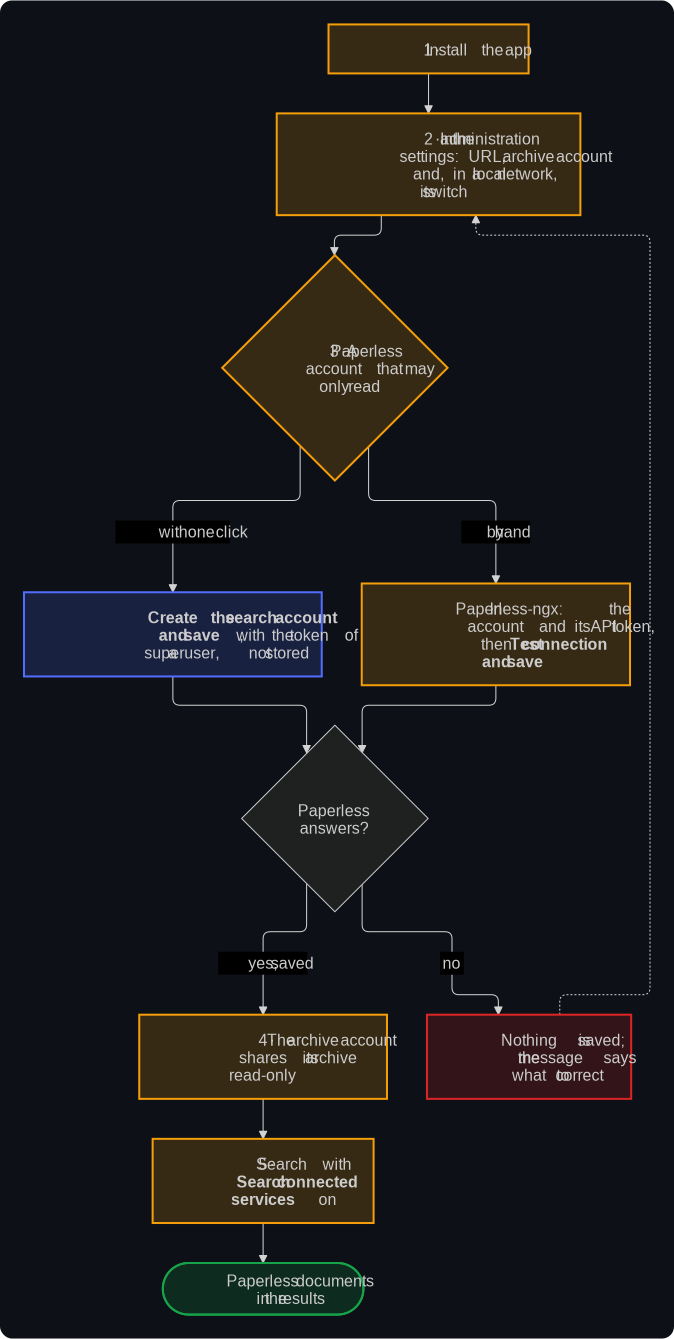
- Install Paperless Unified Search from the Nextcloud App Store under Apps, or with
occ app:install paperless_unified_search. - In Nextcloud, open Administration settings → Paperless Unified Search and enter the Paperless URL. When Nextcloud reaches Paperless at an address of your local network or by the name of its Docker service, such as
http://192.168.1.20:8000orhttp://paperless:8000, also select Paperless runs in my local network; with Paperless Sync configured, the form starts with its URL and this choice. With Paperless Sync installed, the account it writes the archive with is the Archive account; otherwise enter the account that owns the synchronized files. - Connect a Paperless account that may only read. With one click: open No token yet? Create the search account in Paperless, enter the API token of a superuser of Paperless, which only sets up the account and is never stored, and select Create the search account and save. Or by hand: create such an account and its API token in Paperless-ngx, enter the token and select Test connection and save.
- As the archive account, share the archive read-only with the users who may find its documents, as any folder in Nextcloud. The archive account itself finds them all.
- Search in Nextcloud, switch on Search connected services and look under Paperless documents. A result appears for every document whose synchronized file you can open: a file of the archive account with
[P<ID>]in its name, your own if you are that account, or one it shared with you. Paperless Sync creates such files.
To see it at work first, the demo starts a real Paperless-ngx and a real Nextcloud with the app in Docker on your machine, in one command. Install and Configure describe each step in detail, Troubleshooting helps when no Paperless documents show, and the FAQ answers the common questions.
Learn more
-
Get started
What the app needs, its installation from the App Store or a signed release, the Paperless account and its token, the settings, the local network, and the archive shared read-only.
-
Search
The search in the browser and on a phone, the smart picker of Talk, Text, Deck and Mail, the search syntax of Paperless, and the API for scripts and AI assistants.
-
Troubleshooting and FAQ
Why Paperless documents don't show, step by step, every message of the test of the connection, certificates, proxies, the index of Paperless, and the common questions.
-
Reference
Every setting and its key, occ, the routes, the versions that the tests cover, the data flows, the log, and how to uninstall the app.
-
Compare
How the app compares with Full text search and Elasticsearch, Workflow OCR, the Paperless integration, Context Chat, Findling and the web UI of Paperless, and when another one is the better choice.
-
Architecture
How the app adds a provider to Nextcloud's unified search that asks Paperless-ngx, without storing documents or an index of its own.
-
Security design
What the app protects, what it trusts, the threats with their countermeasures, and the risks that remain.
-
Roadmap
What Paperless Unified Search intends to do in the next twelve months, and what it will not do.
-
Decisions
The decisions that shape the project, each with its reasons.
-
Releases and changelog
How a release is made, signed and published in the Nextcloud App Store, and the changes of each version.