Paperless Unified Search
A Nextcloud app that brings the OCR and full-text search of Paperless-ngx into Nextcloud's global search. A result opens the matching synchronized file directly in Nextcloud's viewer.
Get it from the App Store Quick start
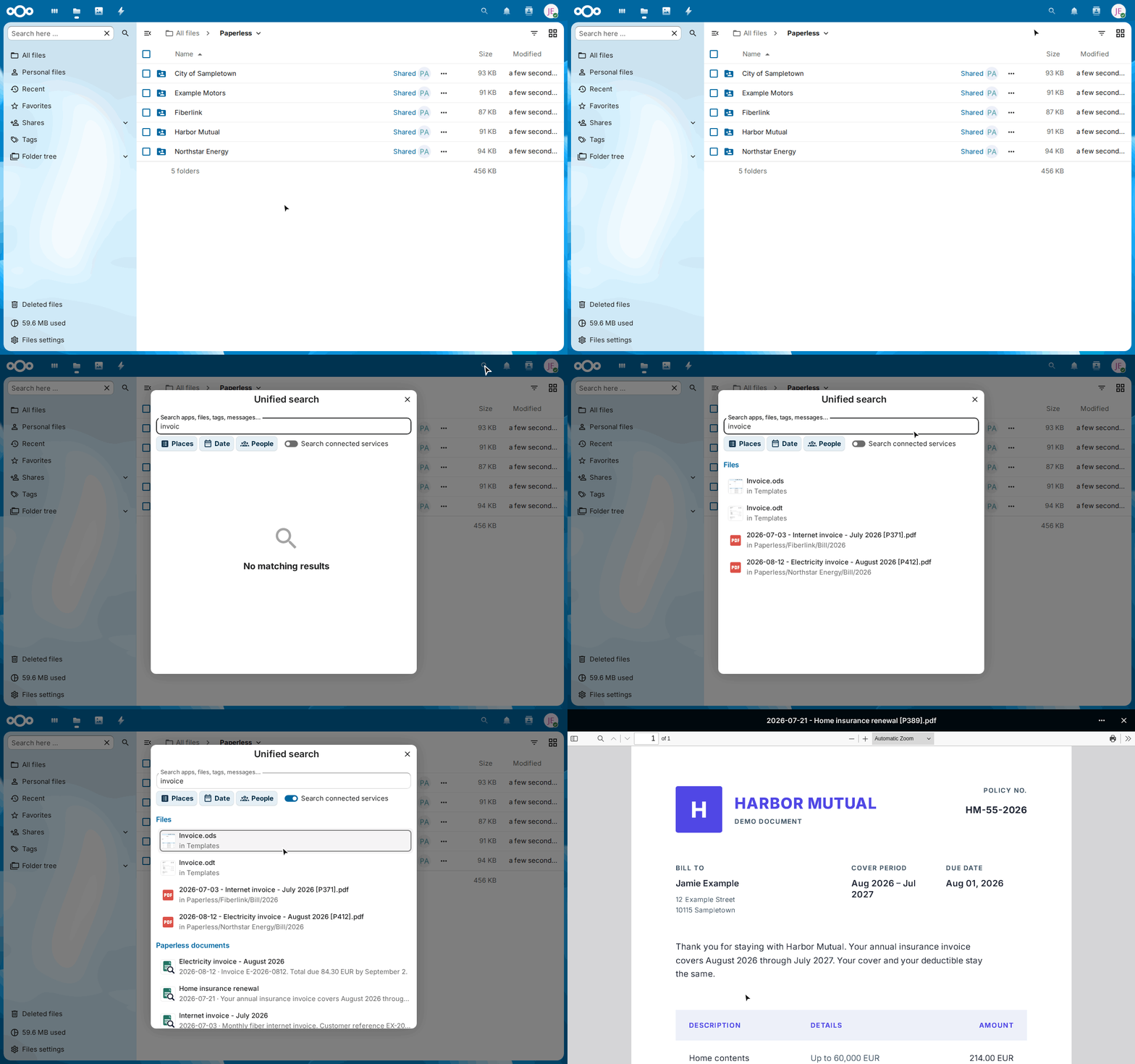
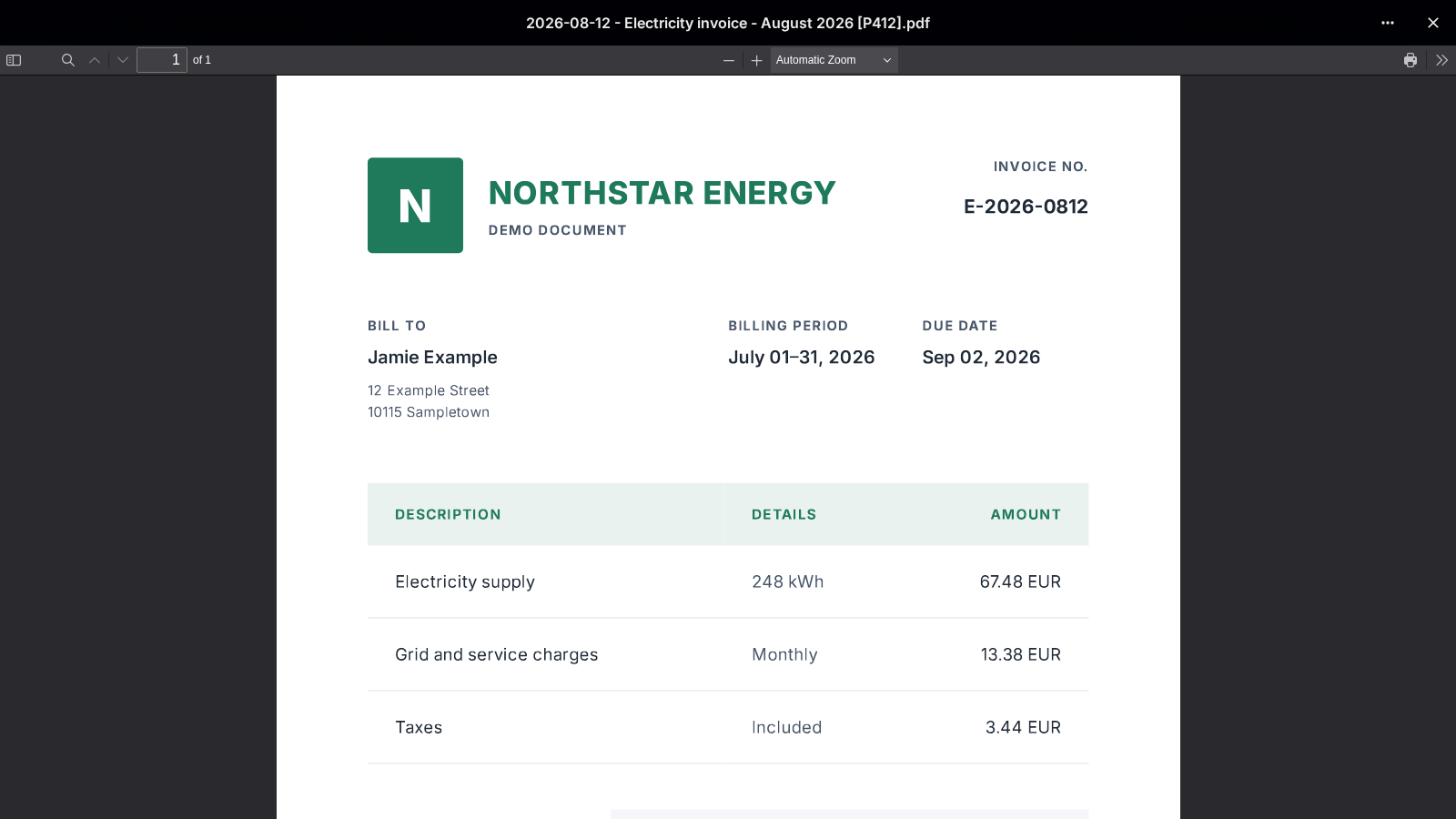
The search of files finds the two invoices by their names. Paperless also finds the home insurance renewal: its text says "invoice", its name doesn't.
What it does
-
Paperless search in Nextcloud
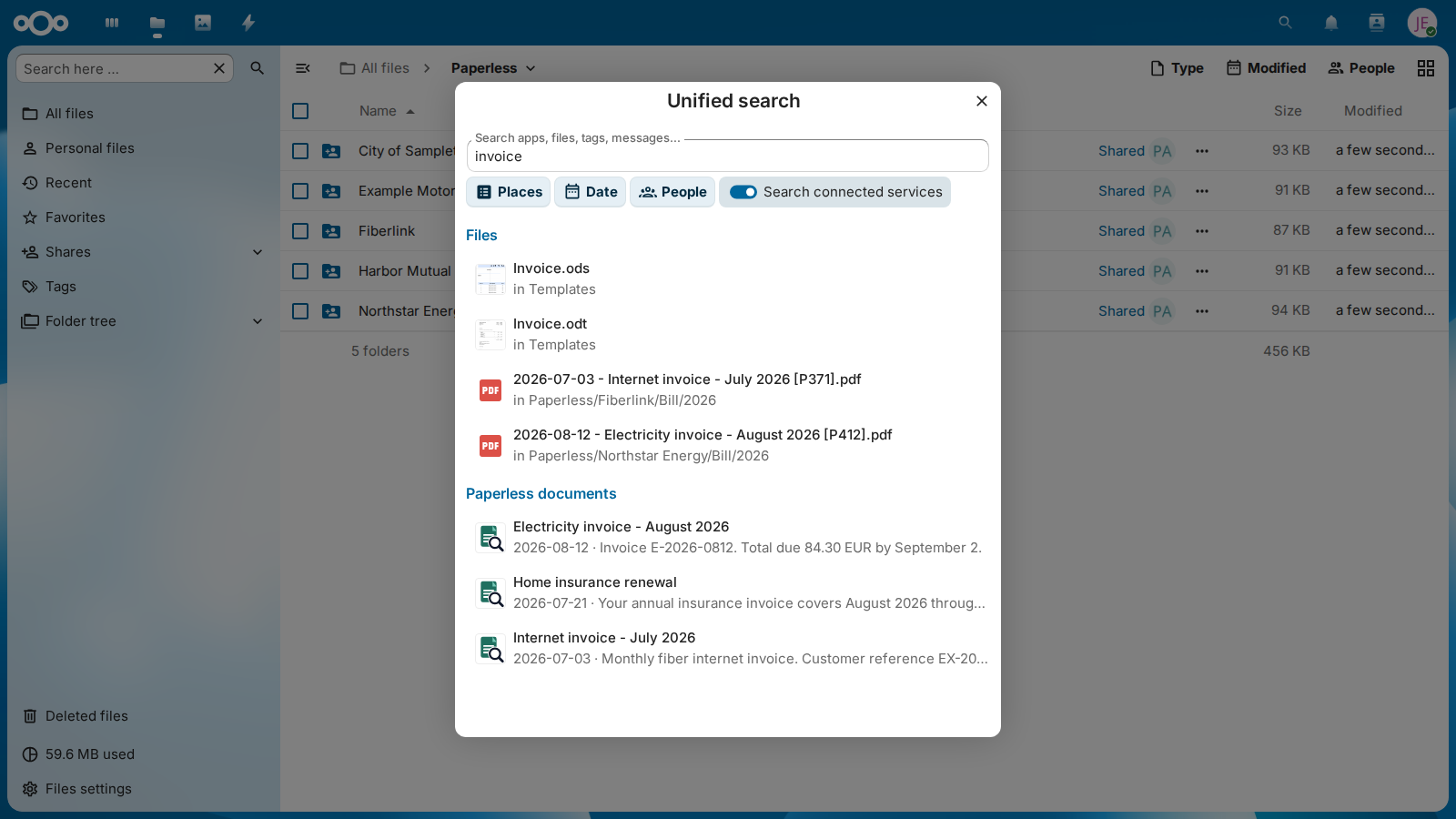
Results come from the native OCR and full-text index of Paperless-ngx and appear under Paperless documents in Nextcloud's global search.
-
Opens the file in Nextcloud
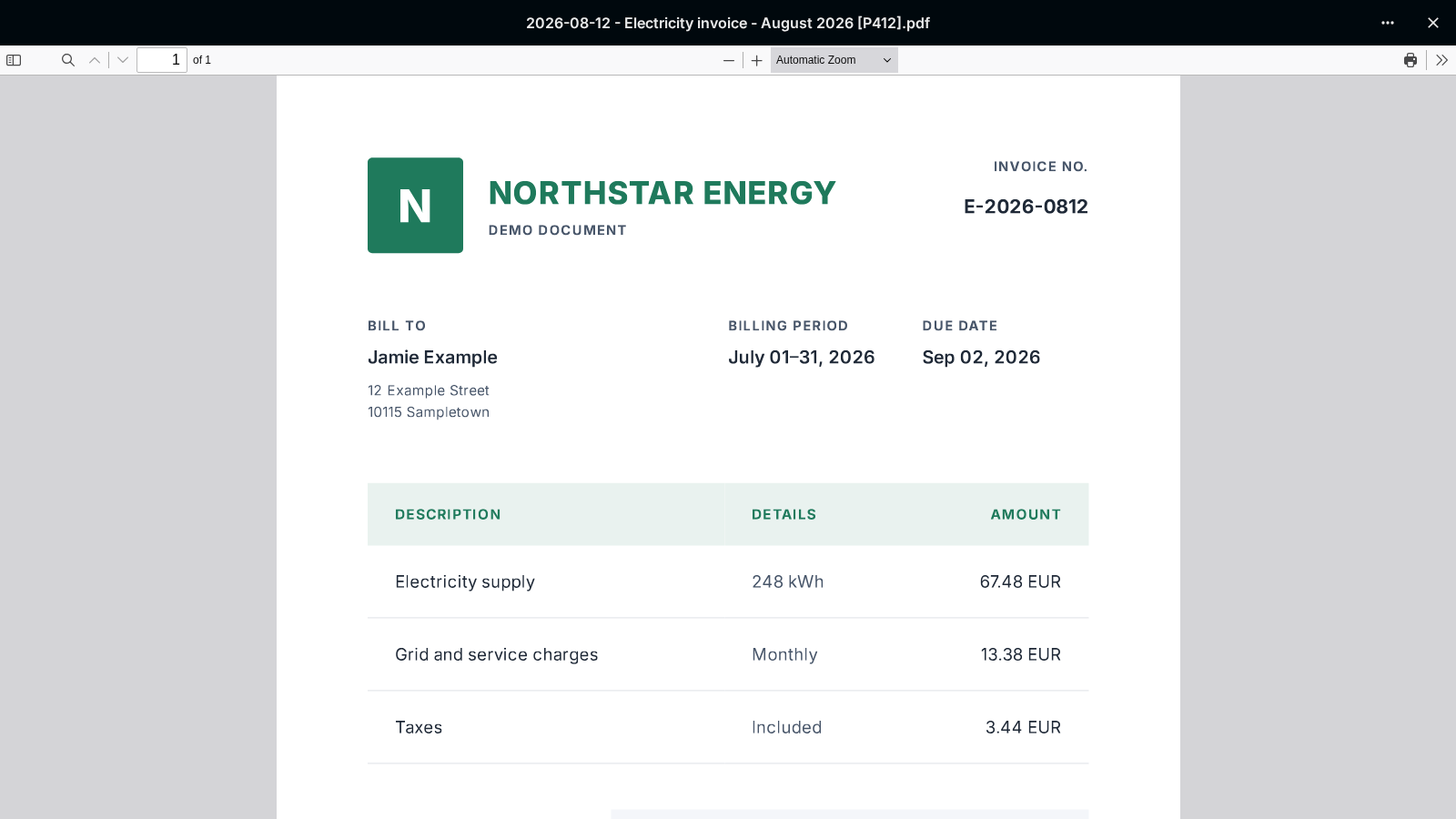
A result opens the synchronized file in Nextcloud, not in Paperless: in the viewer of the browser, and in the viewers of the official iOS and Android apps.
-
Only files you may open
A result appears only if the searching user can open the matching file of the archive account: the archive account itself, or a user it shared the file with.
-
Stable document markers
Documents are matched to files by the marker
[P<ID>]in the file name, such as[P123], which Paperless Sync writes. Documents without such a file stay out of the search. -
Search terms under control
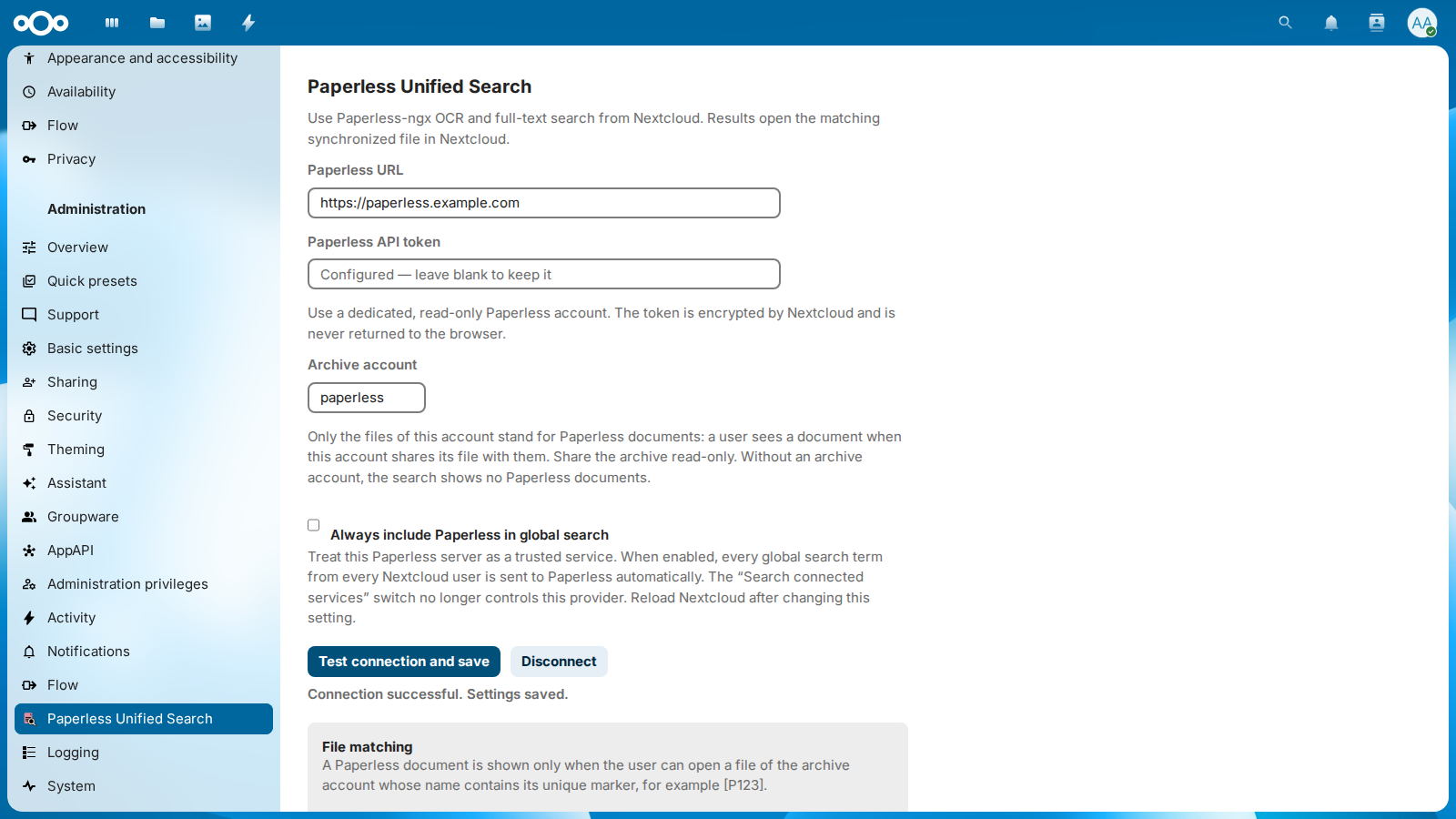
By default, search terms reach Paperless only when the user switches on Search connected services. Administrators can trust their Paperless server to include it in every search.
-
The token stays on the server
The Paperless API token is stored only in Nextcloud's server-side credentials manager and is never returned to browser JavaScript or rendered into HTML.
Screenshots
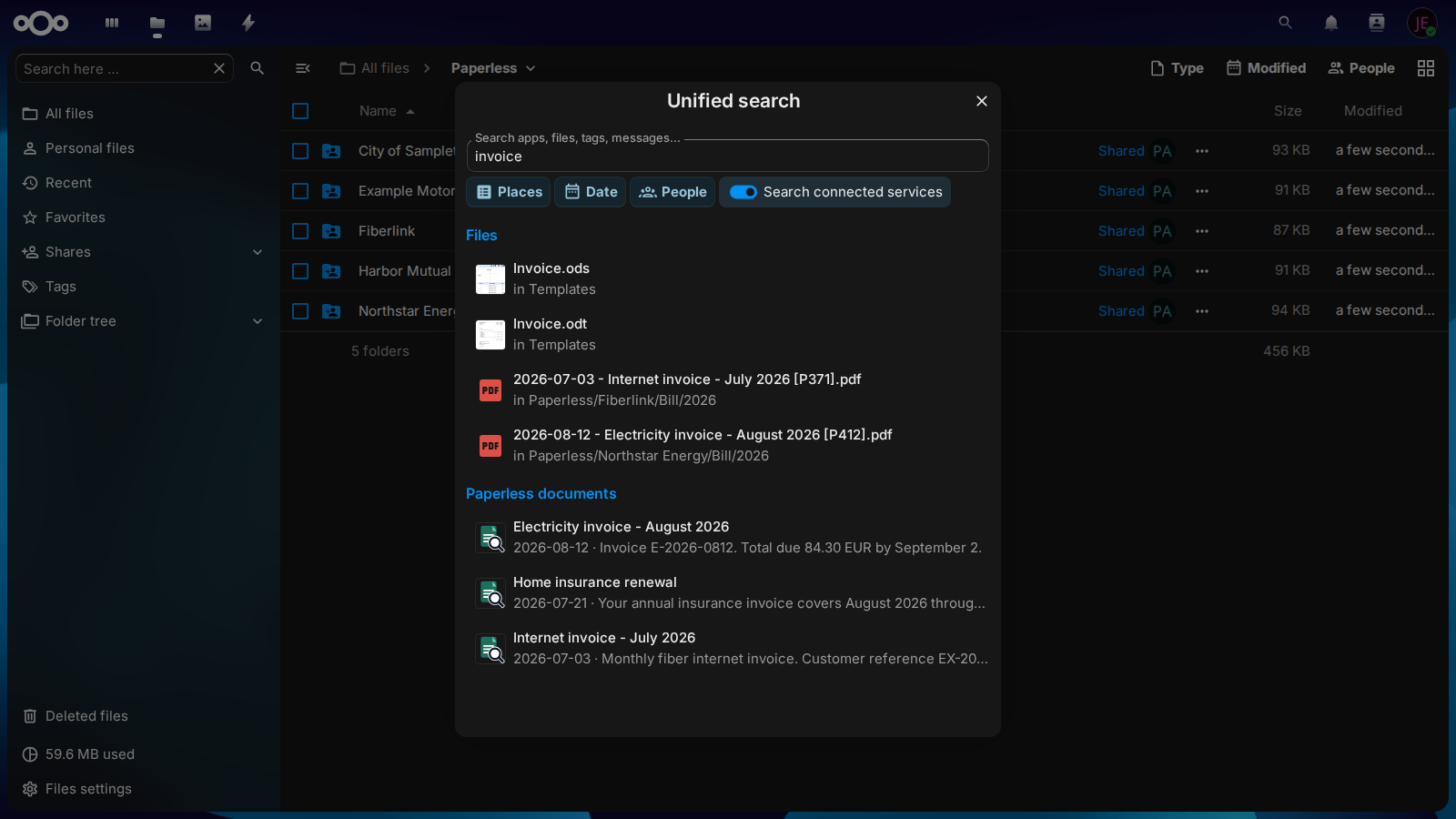
Each picture follows the light or dark theme of this website. Select one to enlarge it.
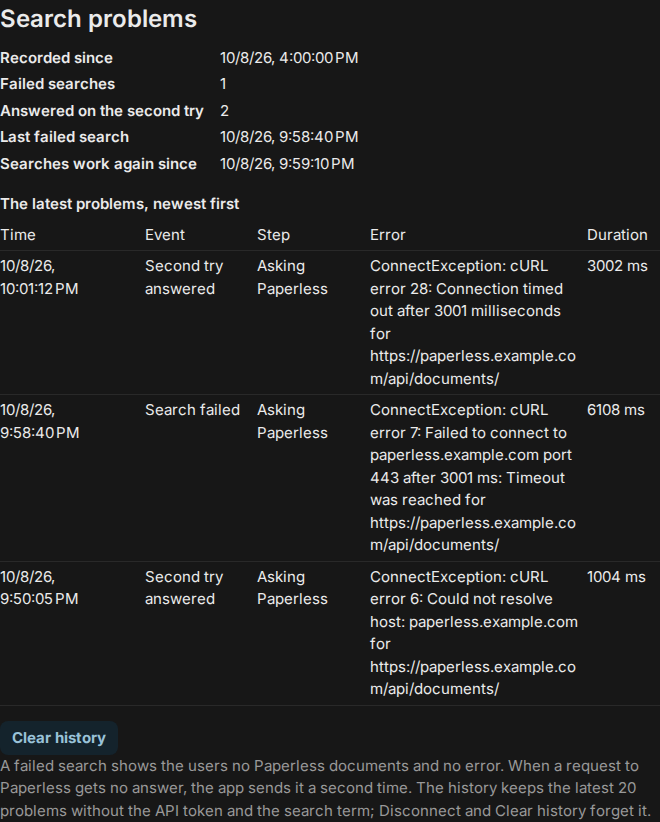
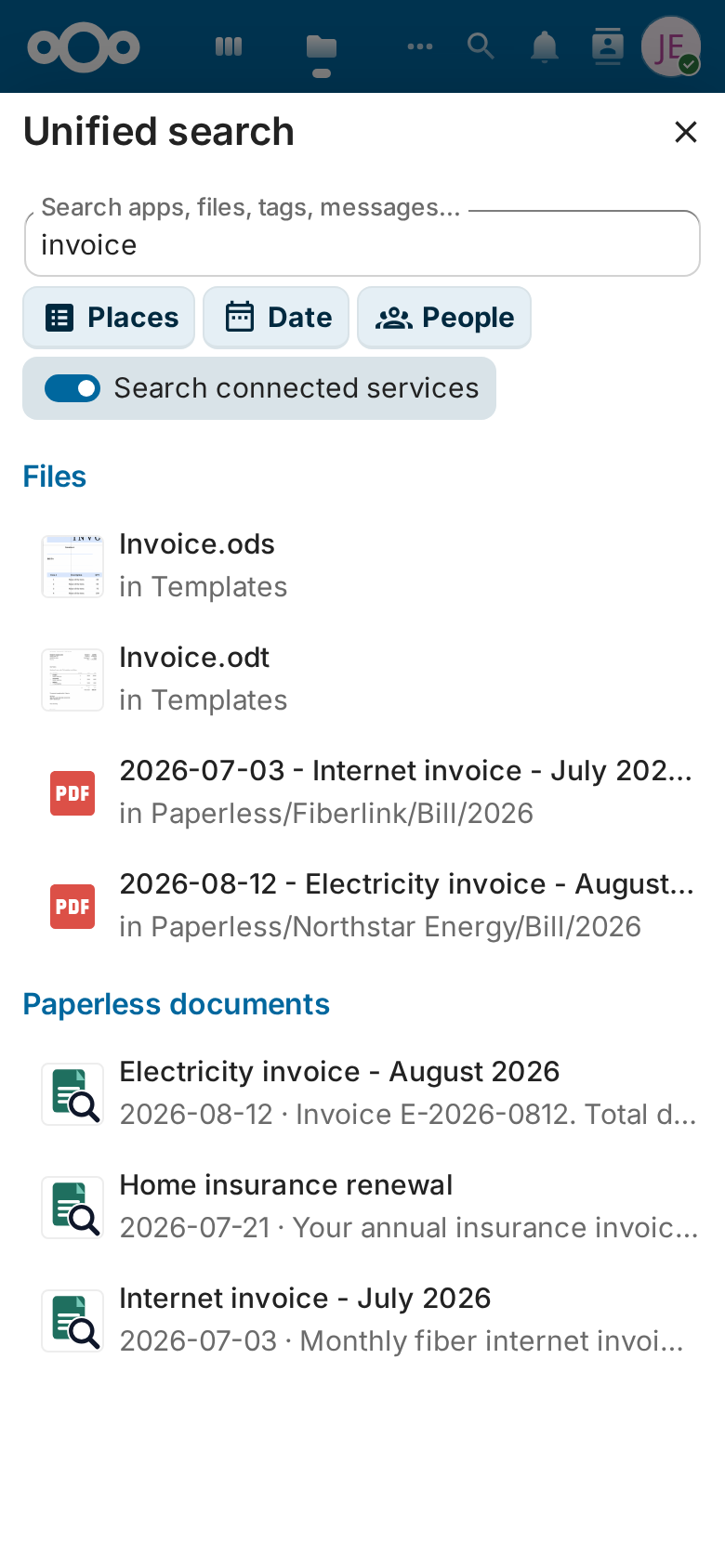
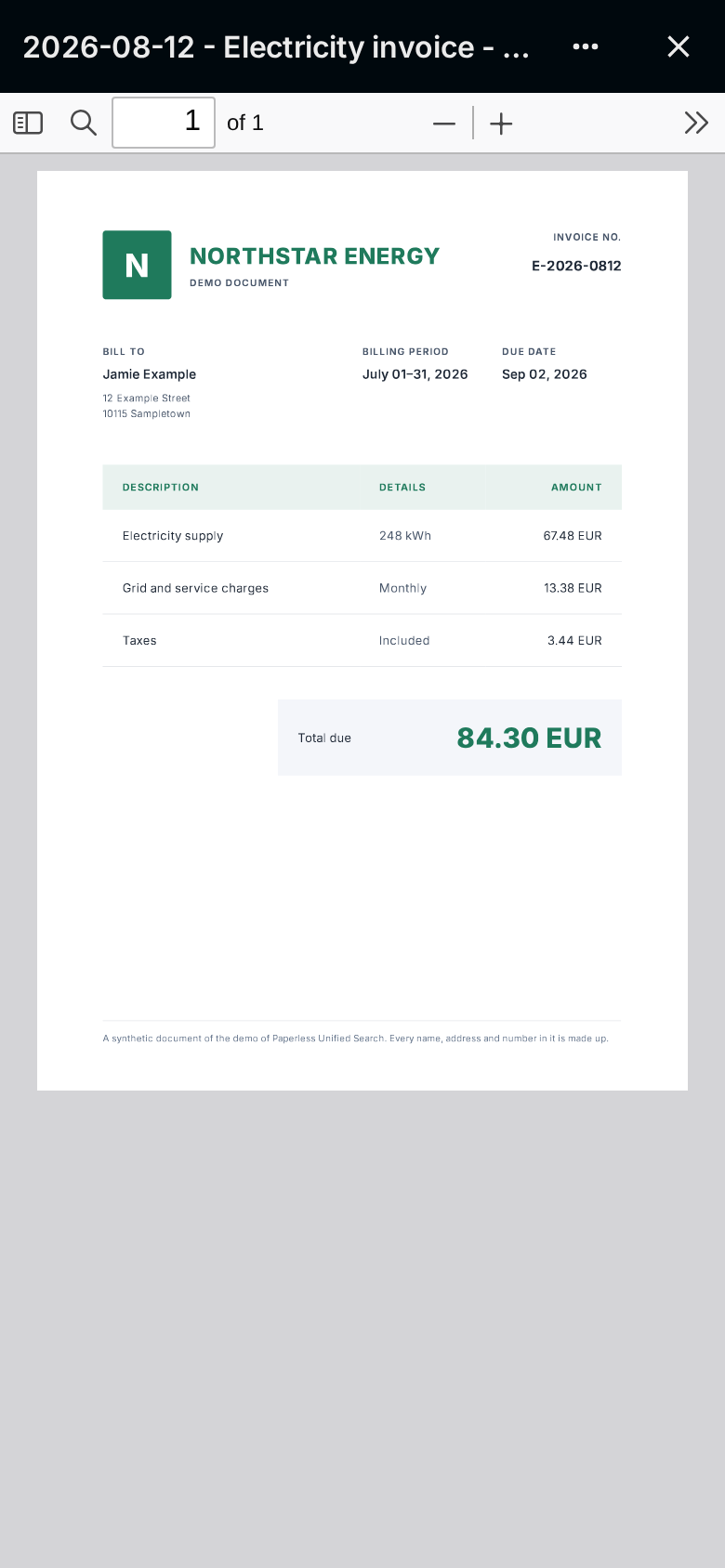
Quick start
- Install Paperless Unified Search from the Nextcloud App Store under Apps, or with
occ app:install paperless_unified_search. - In Paperless-ngx, create an account that may read the documents to search, and an API token for it.
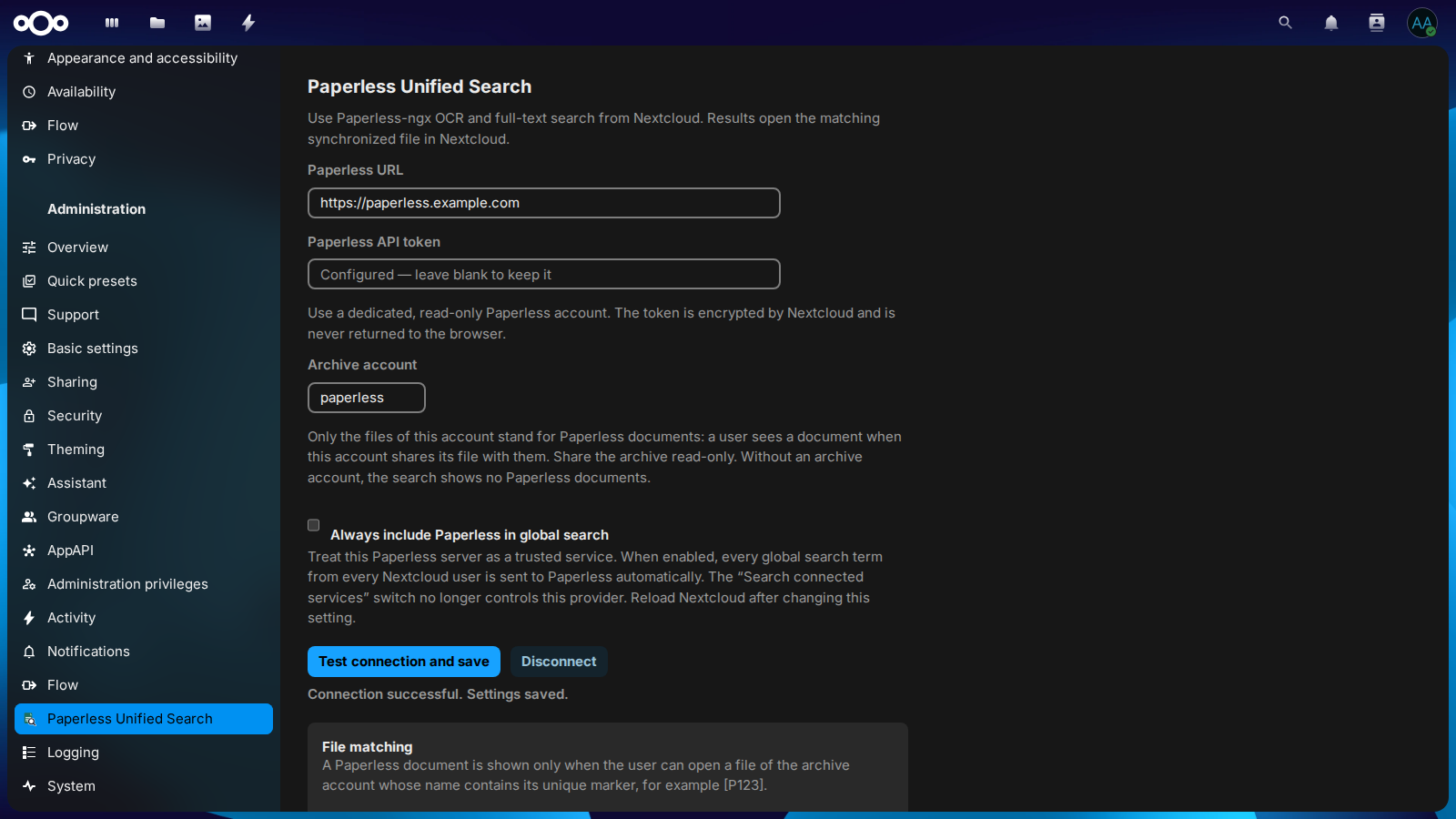
- In Nextcloud, open Administration settings → Paperless Unified Search, enter the Paperless URL and the token, and select Test connection and save. With Paperless Sync installed, the account it writes the archive with is the Archive account; otherwise enter the account that owns the synchronized files.
- Search in Nextcloud, switch on Search connected services and look under Paperless documents. A result appears for every document whose synchronized file you can open: a file of the archive account with
[P<ID>]in its name, your own if you are that account, or one it shared with you. Paperless Sync creates such files.
The guide describes the configuration, the usage and the security and privacy of the app in detail.
Learn more
-
Guide
Installation, how the search works, requirements, configuration, usage, and security and privacy.
-
Architecture
How the app adds a provider to Nextcloud's unified search that asks Paperless-ngx, without storing documents or an index of its own.
-
Security design
What the app protects, what it trusts, the threats with their countermeasures, and the risks that remain.
-
Roadmap
What Paperless Unified Search intends to do in the next twelve months, and what it will not do.
-
Decisions
The decisions that shape the project, each with its reasons.
-
Releases and changelog
How a release is made, signed and published in the Nextcloud App Store, and the changes of each version.